
by Connected Electricians | Jun 29, 2026 | Blog
PoE (Power over Ethernet) is a technology that allows a single ethernet cable to carry both data and electrical power to a device, which means your CCTV cameras, WiFi access points, and VoIP phones can all be powered and connected through the one cable run with no separate power outlet needed at the device location. If you’ve been frustrated by the mess of power adapters, extension leads, and multiple cable runs that come with security cameras and ceiling-mounted access points, PoE is what fixes that. For homes and businesses across Caboolture and the Moreton Bay region, it makes installs cleaner, more reliable, and easier to manage for years to come.
What is PoE (Power over Ethernet) and how does it actually work
PoE works by sending low-voltage DC power along the same copper wire pairs that carry data in a standard Cat5e or Cat6 ethernet cable. The power comes from a PoE-capable switch, called a PSE (Power Sourcing Equipment), and is delivered to the connected device, called a PD (Powered Device).
When a device is plugged in, the switch and device negotiate. The switch detects that the device supports PoE and determines how much power it needs. The switch then provides that power continuously via the cable. Data travels over the same cable simultaneously.
The result is one cable does two jobs. The camera or access point is powered and connected to the network through a single run. No separate power outlet. No power adapter. No additional cables.
Why PoE makes camera and access point installs so much cleaner
Without PoE, a ceiling-mounted WiFi access point needs two things: a data cable for network connectivity, and a power outlet for electricity. In a ceiling, that means either a power outlet is installed in the ceiling cavity (which requires an electrician to run a power circuit) or a power adapter is plugged into a wall outlet somewhere and a power cable runs up to the access point.
Neither solution is clean. With PoE, a single Cat6 cable from the PoE switch to the access point handles both. The electrician or cabler runs one cable. The installer terminates one cable. The result is a ceiling access point with no visible wiring, no power adapter in the ceiling, and a much simpler installation.
The same principle applies to CCTV cameras. A PoE camera at the corner of a car park or above a shop entrance needs only a single ethernet cable run back to the PoE switch or NVR. The alternative is a separate power run plus a data run. That’s twice the cable, twice the terminations, and twice the things that can go wrong.
The three PoE standards: 802.3af, 802.3at, and 802.3bt explained simply
There are three main PoE standards, and knowing which one your devices need is essential for choosing the right switch.
802.3af (PoE) delivers up to 15.4W per port. This covers standard VoIP desk phones, basic IP cameras, and simple access control devices. It’s the baseline PoE standard and is sufficient for most residential and small office devices.
802.3at (PoE+) delivers up to 30W per port. This is needed for WiFi access points with high performance specifications, cameras with pan-tilt-zoom capability, and phones with colour displays and more powerful features.
802.3bt (PoE++) delivers up to 60W or 100W per port. This is for demanding devices like video conferencing units, multi-radio access points, and certain high-power PTZ cameras. Most small business and residential installations don’t require 802.3bt.
When choosing a PoE switch, check the power requirements of every device you plan to connect and ensure the switch standard meets those requirements. The switch’s total PoE budget also matters: a 24-port switch with a 185W PoE budget can’t power 24 devices simultaneously if each one draws close to that maximum.
How much power does a CCTV camera or WiFi access point actually need
The power requirements vary by device type and manufacturer, but typical ranges are:
- Standard IP CCTV cameras: 5W to 12W (covered by 802.3af)
- PTZ cameras: 15W to 25W (require 802.3at)
- Entry-level WiFi access points: 12W to 15W (802.3af)
- Mid-range business WiFi access points: 15W to 25W (802.3at)
- High-performance multi-radio access points: 25W to 60W (802.3at or 802.3bt)
- VoIP desk phones: 5W to 13W (802.3af)
When planning a PoE installation, list every device, confirm its power consumption, add the totals, and choose a switch with a PoE budget that comfortably exceeds the total. Leaving headroom of 20 to 30 per cent in the PoE budget accounts for startup current spikes and future additions.
Choosing the right PoE switch for cameras, access points, and VoIP phones
The right PoE switch for your installation depends on three things: the number of PoE ports needed, the total PoE budget, and whether you need managed or unmanaged functionality.
For any installation that combines cameras, access points, and VoIP phones, a managed switch is strongly recommended. A managed switch allows VLAN configuration to separate voice, data, and security traffic, QoS settings to prioritise VoIP call quality, and port-level monitoring to identify faults quickly.
Unmanaged PoE switches are simpler and cheaper, but they treat all traffic equally and provide no visibility into what’s happening on each port. For a dedicated camera installation with no VoIP, an unmanaged switch may be adequate. For any mixed-use installation, managed is the right choice.
Why the 100-metre cable limit matters and how to plan runs around it
The total maximum length of a structured cabling run from the PoE switch to the device is 100 metres. This includes the structured cable in the wall or ceiling plus the patch leads at each end. In practice, the structured cable run should be kept to 90 metres maximum to leave 10 metres for patch leads.
For most homes and small commercial premises in Caboolture and the Moreton Bay region, 90 metres is more than sufficient. For larger properties or multi-building sites, longer runs need intermediate PoE switches or fibre optic connections with media converters at the device end.
Planning the cable routes and measuring runs before the installation begins is the step that prevents discovering a run is 5 metres too long after the cable is already in the wall. A licensed data cabler will confirm run lengths during the site assessment.
Cat5e vs Cat6 for PoE installs – when the cable grade actually makes a difference
Cat5e can support PoE at most power levels and for most run lengths. But Cat6 is the recommended choice for new PoE installations, and here’s why.
Cat6 has better crosstalk performance than Cat5e, which matters when multiple cables are bundled together in a conduit or ceiling cavity. It also handles heat better. PoE cables that are carrying power generate slightly more heat than data-only cables, and multiple PoE cables bundled together can generate enough heat to degrade Cat5e cable performance over time.
For 802.3bt (PoE++) installations or high-density cable bundles, Cat6a is the appropriate choice due to its superior thermal performance and higher bandwidth capacity.
For the typical residential CCTV or access point installation in Caboolture, Cat6 is the correct specification and what Connected Electricians uses as standard.
How a UPS paired with a PoE switch keeps your cameras and WiFi up during outages
A UPS (Uninterruptible Power Supply) is a battery backup unit that keeps connected devices running during a power outage. When the PoE switch is connected to a UPS, the cameras and access points powered by that switch keep running even when mains power fails.
For business premises in Moreton Bay where security continuity matters, this is a significant benefit. Power outages, whether from storms, grid issues, or a tripped safety switch, are exactly the moment when CCTV coverage is most valuable. A UPS-backed PoE switch ensures the cameras don’t go dark when the power does.
For residential installations, a UPS also protects the data and security equipment from the power surges and voltage spikes that are common during Queensland storm season.
PoE for ceiling-mounted WiFi access points: why it beats running a separate power point
Ceiling-mounted access points are the best location for WiFi coverage in most homes and businesses. They provide 360-degree signal distribution with clear line of sight to devices below, rather than the directional coverage of a wall-mounted router.
Without PoE, a ceiling-mounted access point either needs a power outlet in the ceiling (which is an electrically unsightly addition in a finished ceiling) or a power adapter somewhere below it with a cable running up. Both options are avoidable with PoE.
A single Cat6 cable run from the PoE switch in the comms cabinet to the ceiling access point handles everything. The access point is powered. The access point is connected. No second cable. No visible power adapter. No additional electrical work beyond what’s already being done for the data cabling.
Planning a PoE install in a Moreton Bay home or business – what to think about first
Before planning cable routes and switch specifications, the first question is what devices need PoE and where they’ll be located. Cameras, access points, and phones each have different positioning requirements and different power needs.
The second question is where the PoE switch will live. A central comms cabinet with the NBN equipment is the ideal location, as it minimises cable run lengths and keeps the infrastructure in one place. The switch should have enough port count and PoE budget for all current devices plus a reasonable allowance for future expansion.
The third question is the cable route from the switch to each device. This is where a proper site assessment pays off. Ceiling cavity access, wall construction, and existing cable pathways all affect how cables can be routed neatly.
How Connected Electricians plans and installs PoE cabling alongside electrical work
Connected Electricians handles both the electrical and data cabling for PoE installations across Caboolture and the Moreton Bay region in a single visit. Josh and the team are licensed electricians and registered data cablers (Licence 90211, Cabler Reg 048361), which means we can legally and competently handle every part of the installation.
We assess your premises, confirm device locations, plan cable routes, specify the right PoE switch, and provide an upfront fixed quote before any work starts. The installation is clean, documented, and tested before we leave. Every data outlet and cable run is tested with a cable tester, and we provide a service report with photos for commercial and strata clients.
One tradie. One invoice. A 5-year workmanship guarantee on every job.
Getting a quote for a PoE cabling job in Caboolture
The quickest way to get an accurate quote is to send photos of your property or premises along with a description of what you want to achieve: the number of cameras, access points, or phones, and a rough idea of where they need to go.
We can quote many jobs from photos without a site visit, which saves time. For larger or more complex installations, a site inspection ensures the quote is accurate and there are no surprises once work begins.
Contact Connected Electricians today for a free, no-obligation quote. We serve Caboolture, Morayfield, North Lakes, Burpengary, Bribie Island, and the broader Moreton Bay region, from Caloundra to Chermside. If you need PoE cabling done properly, we’re the local team to call.
by Connected Electricians | Jun 29, 2026 | Blog
For real businesses in Moreton Bay, wired CCTV significantly outperforms WiFi cameras on every metric that matters: reliability, video quality, security, and the ability to keep recording when the internet drops out. If you’re a small business owner in Caboolture, Morayfield, or North Lakes who’s weighing up whether to install WiFi cameras or go wired, this article covers the honest comparison. The answer isn’t complicated, but it does depend on what you’re protecting and how seriously you take the coverage.
The real difference between WiFi and wired CCTV cameras for a business
The core difference is the connection. A WiFi camera sends its video data wirelessly to your router or network video recorder (NVR). A wired PoE camera sends its data and receives its power through a single Cat6 ethernet cable that connects directly to a PoE switch or NVR.
That difference in how the connection is made determines almost everything else: reliability, video quality, security vulnerability, and what happens when conditions change. WiFi is a shared, contested, wireless medium. A wired ethernet connection is a dedicated, stable, direct path.
For businesses where the cameras are there for a reason, and where footage might one day need to stand up to scrutiny after an incident, wired is the professional standard.
Why commercial premises in Moreton Bay should default to wired CCTV
Security professionals consistently recommend wired PoE systems for commercial premises, and the reasons are practical rather than theoretical.
Commercial premises run cameras continuously. Unlike residential cameras that might record only on motion, a business security system typically needs 24/7 recording. A wired PoE system with a local NVR records continuously regardless of internet status. A WiFi camera that depends on cloud connectivity stops recording meaningfully when the internet drops.
Commercial premises also have more complex environments. Larger spaces, concrete walls, multiple rooms, and interference from many connected devices all degrade WiFi signal quality. A Cat6 cable run to a camera location is unaffected by any of this.
How PoE cabling powers and connects cameras through a single ethernet cable
PoE (Power over Ethernet) is the technology that makes wired CCTV installations so clean. A single Cat6 cable from the camera to the PoE switch or NVR carries both the video data and the power the camera needs to operate. No separate power outlet at the camera location. No battery to maintain. Just one cable.
A standard Cat6 run can be up to 100 metres, which covers the vast majority of camera locations in commercial premises in Caboolture and the Moreton Bay region. For cameras at the perimeter of a larger property, this may need to be planned carefully, but for most standard shopfronts, offices, and warehouses, 100 metres is more than sufficient.
The cleanliness of a single-cable installation also makes the system more tamper-resistant. There’s no easily accessible power adaptor that can be removed to disable the camera.
What happens to WiFi camera footage when the internet drops out
This is the question that changes how most business owners think about WiFi cameras. Most cloud-connected WiFi cameras require an active internet connection to record footage to the cloud. When the internet drops, they stop recording.
Some WiFi cameras have local SD card storage as a backup. But that storage is limited, the footage quality may be reduced, and the camera is still dependent on a functioning WiFi network at the property.
A wired PoE system with a local NVR stores footage on a hard drive at the property. It records continuously regardless of whether the internet is connected. If the NBN goes down, the cameras keep recording. That’s the standard a business should hold its security system to.
Video quality comparison – wired PoE vs WiFi cameras in a retail or commercial setting
| Factor | WiFi CCTV | Wired PoE CCTV |
|——–|———–|—————–|
| Continuous 24/7 recording | Limited by battery or internet dependency | Yes, with local NVR |
| Connection stability | Variable, affected by interference and device congestion | Consistent, unaffected by wireless conditions |
| Video quality during peak hours | Can degrade as network traffic increases | Unchanged |
| 4K recording capability | Possible but bandwidth-dependent | Yes, reliable at full quality |
| Internet outage behaviour | Recording may stop | Recording continues locally |
Wired PoE cameras maintain consistent video quality because the data travels over a dedicated cable, not a shared wireless medium. A busy shop floor with dozens of customer devices connected to the same WiFi network that the cameras are using will see degraded performance from the cameras during busy periods. Wired cameras are unaffected.
Security vulnerabilities of wireless cameras that wired systems avoid
WiFi cameras can be hacked remotely. A wireless signal can be intercepted. Most consumer-grade WiFi cameras have had documented security vulnerabilities at some point in their product lifecycle. For a business where the CCTV system covers sensitive areas, cash handling, or security access points, this is a genuine consideration.
Wired cameras require physical access to the cable or the NVR to be compromised. The attack surface is fundamentally smaller. For commercial premises in Caboolture where security is a business requirement, not just a nice-to-have, wired systems provide a stronger security posture.
Why insurance assessors care about how your business CCTV is installed
If your business makes an insurance claim that involves CCTV footage, the quality and reliability of your system will be scrutinised. An insurance assessor who reviews a claim where the cameras weren’t recording because the WiFi dropped out, or where the footage resolution is too poor to identify anyone, is a problem.
Professional wired CCTV systems installed by a licensed electrician and cabler provide the kind of continuous, high-quality footage that satisfies insurer requirements. The installation standard also matters. A system installed correctly by a licensed cabler is demonstrably more reliable than a DIY wireless setup.
For small businesses across Moreton Bay that carry commercial insurance with security system requirements, a properly installed wired CCTV system is not just better performance. It’s compliance.
Camera positioning and cable runs: how a licensed cabler plans a wired CCTV install
Good camera positioning comes first. Entry and exit points, high-traffic areas, cash handling locations, car parks, and loading docks are typical priorities for a business security system. Once the camera positions are confirmed, the cable routes are planned to minimise visible cable runs and protect the cables from damage.
In most commercial premises, cables run through ceiling cavities back to a central PoE switch or NVR in the comms cabinet. This keeps the installation tidy and protects the cabling. Where roof cavity access isn’t available, cable management conduit can provide a neat surface-mounted solution.
Every camera position and cable run in a well-planned installation considers what coverage is needed, where the cable can travel without being visible or vulnerable, and how the system can be expanded in the future without significant rework.
Hybrid systems: when it makes sense to combine wired and WiFi cameras
There are situations where a hybrid approach is practical. A wired system covering all primary internal and external locations, with WiFi cameras added at locations where running cable is genuinely not feasible, such as a detached shed, a car park remote from the main building, or a temporary location.
In these cases, the WiFi cameras should be understood as supplementary coverage, not the primary security system. The core of the installation should be wired, with WiFi filling gaps where cable is impractical.
For most commercial premises in Caboolture and across the Moreton Bay region, cable can reach everywhere it needs to with proper planning. Hybrid systems are the exception, not the rule.
The real cost comparison between wired and wireless CCTV for a small business
WiFi cameras appear cheaper upfront because there’s no cabling installation cost. But the comparison isn’t between the camera prices. It’s between the total cost of a system that works reliably for five to ten years versus one that may need ongoing maintenance, replacement, and troubleshooting.
A wired PoE system installed correctly by a licensed cabler has minimal ongoing costs. The cameras run continuously. The footage is stored locally. There are no cloud subscription fees. When a component needs replacing after years of service, it’s a straightforward swap.
WiFi camera systems often involve recurring cloud storage costs, more frequent failures in harsh outdoor conditions, and the ongoing cost of a WiFi network that performs well enough to support continuous video streaming.
How Moreton Bay conditions like humidity and storms affect wireless camera reliability
Moreton Bay’s climate is genuinely hard on electronics. High humidity, UV exposure, and regular storm activity affect both camera hardware and wireless signal reliability. Outdoor WiFi cameras that are exposed to this environment have shorter service lives than manufacturers’ specifications suggest, which assume more temperate conditions.
A wired PoE camera in an appropriate outdoor housing is protected from the elements by its casing, and its connection to the NVR is unaffected by weather. A WiFi camera loses signal reliability when moisture affects the router or access point, when storm activity causes power fluctuations, and when thermal expansion and contraction in outdoor housings degrades connections over time.
For any business in coastal or subtropical Moreton Bay, wired is the more durable solution.
How Connected Electricians handles CCTV cabling alongside electrical work
At Connected Electricians, we handle both the electrical and data cabling for CCTV installations in a single visit. One tradie, one invoice. Josh and the team are licensed electricians and registered data cablers (Licence 90211, Cabler Reg 048361), which means we can legally run both the power and data cabling for your CCTV system without needing a second trade.
We assess camera positions, plan cable routes, install Cat6 to every camera location, install and configure the PoE switch or NVR in your comms cabinet, and test every camera before we leave. For commercial and strata clients across Caboolture and the Moreton Bay region, we provide service reports and photos.
Upfront pricing, 5-year workmanship guarantee, and a real local electrician who shows up when they say they will. Contact us for a free, no-obligation quote for your business CCTV installation today.
by Connected Electricians | Jun 15, 2026 | Blog
VoIP phone systems need a reliable, wired ethernet connection with PoE (Power over Ethernet) capability to deliver consistent call quality, and if your cabling or switch infrastructure isn’t set up correctly, you’ll hear it in every call you make. If you’re a small business owner in Caboolture or across the Moreton Bay region who’s recently moved to a VoIP phone system, or is planning to, the cabling and network setup behind it matters more than most installers will tell you.
What is VoIP and why does cabling quality affect call quality so much
VoIP stands for Voice over Internet Protocol. Instead of sending your voice through a dedicated telephone line, it converts the audio to data packets and sends them across your internet connection or local network. Those packets need to arrive quickly, in the right order, and without loss. When they don’t, you get the audio problems that most people associate with bad VoIP: choppy audio, echo, lag, and dropped calls.
The quality of the physical cabling between the phone and the network switch directly affects how reliably those packets travel. A cable with a bad termination, a run that’s too long, or a connection that’s picking up interference will introduce exactly the kind of packet loss and inconsistency that destroys VoIP call quality. This is why cabling quality is not a secondary consideration in a VoIP installation. It’s the foundation.
How PoE powers your VoIP phone through the ethernet cable and why that matters
PoE (Power over Ethernet) allows a single Cat6 cable to carry both data and power to the phone. The switch sends a low-voltage current along the same cable that carries the VoIP data. The phone draws the power it needs from that cable and uses the same connection for all its communications.
Without PoE, each desk phone needs its own power adaptor plugged into a mains socket. In an office with 10 phones, that’s 10 extra power adaptors and 10 extra mains sockets that need to be available at each desk. With PoE, it’s one cable per phone. Cleaner, simpler, and significantly easier to manage.
For small businesses in Caboolture and the Moreton Bay region that are fitting out a new office or upgrading from a traditional PABX system, PoE cabling with a PoE-capable managed switch is the standard approach.
Why wired VoIP is more reliable than WiFi-connected phone systems
VoIP over Wi-Fi is possible, but it’s not the right choice for a business environment. Wi-Fi introduces variability that voice traffic cannot tolerate. Signal strength fluctuates. Multiple devices compete for bandwidth. The connection that’s strong at 9am when only two people are in the office can be poor by 10am when everyone has arrived and connected.
Wired VoIP has none of these issues. The phone’s connection to the network is stable, consistent, and unaffected by what’s happening on the wireless network. Call quality is predictable. The system is easier to support and troubleshoot.
For any business office where phone calls are a serious business tool, wired VoIP with a proper PoE cabling installation is the right approach. Wi-Fi VoIP may be acceptable for occasional soft-phone use on a laptop, but it’s not a substitute for a dedicated wired phone at a desk.
The right ethernet cable spec for VoIP – Cat5e, Cat6, or Cat6a
Most VoIP desk phones require between 5W and 13W of PoE power, which is well within the 15.4W maximum of the standard 802.3af PoE specification. A Cat5e cable can technically support this. However, Cat6 is the correct choice for new VoIP cabling installations, for several reasons.
Cat6 has better crosstalk rejection and signal integrity than Cat5e. In an office environment with multiple cable runs in close proximity, Cat6’s improved performance matters. Cat6 also future-proofs the installation for 10 Gbps data speeds and higher-power PoE devices.
Cat6a is rarely needed for desk phone applications but becomes relevant if the same cable run also needs to support higher-speed data devices or if the run is close to the 100-metre maximum. For most small office VoIP installations in Caboolture, Cat6 is the right call.
How many ethernet ports does a VoIP desk phone actually need
Most VoIP desk phones have two ethernet ports built in: one that connects to the wall data outlet, and a second passthrough port that connects to the computer on the same desk. This allows the phone to act as a small switch, so the desk only needs one cable run but can support both the phone and the computer.
This is a useful feature, but it comes with a trade-off. Phone and data traffic share the same cable run to the switch. For most small offices, this is fine. For offices where call quality is critical, running separate data points for the phone and the computer gives you the option to prioritise voice traffic properly at the switch level.
The recommendation is to plan for one data point per desk as a minimum for VoIP, and two where call quality is a business priority.
What is a PoE switch and how to choose the right one for your office phones
A PoE switch looks like a regular network switch but has the ability to send power down ethernet cables to connected devices. For a VoIP installation, you need a switch with enough PoE ports for all your phones plus your Wi-Fi access points, enough total PoE budget (the total wattage available across all ports) to power all devices simultaneously, and for VoIP specifically, it should be a managed switch.
An unmanaged switch is plug-and-play but cannot separate voice and data traffic, and cannot prioritise VoIP packets over other network traffic. A managed switch gives you VLAN and QoS capability, which are essential for reliable call quality in a shared office network.
For a 10-phone office, a 24-port managed PoE switch with a 185W PoE budget is a typical starting point. Your data cabler or IT provider can confirm the right specification for your number of phones and access points.
VLANs and QoS: the network settings that keep voice traffic smooth
VLAN stands for Virtual Local Area Network. It allows you to segment your network traffic even when it’s all running over the same physical cables. With VLANs configured, your VoIP phones can be on a dedicated voice VLAN, completely separate from your computers, printers, and guest Wi-Fi, even though they all share the same physical network infrastructure.
QoS stands for Quality of Service. It allows the switch to prioritise certain types of traffic. With QoS configured for voice, the switch ensures that VoIP packets are delivered ahead of file downloads, video streaming, and other less time-sensitive traffic. This dramatically reduces the risk of audio issues even during periods of high network usage.
Both VLANs and QoS are configured on the switch, not the cabling. But they only work correctly if the cabling infrastructure is solid. A managed switch with VLANs and QoS running over properly installed Cat6 cabling is the foundation of a VoIP system that just works.
Managed vs unmanaged switches and why it matters for call quality
The difference between a managed and unmanaged switch for VoIP comes down to control. An unmanaged switch treats all traffic equally. If someone starts downloading a large file while you’re on a call, the switch has no mechanism to protect the call from that competition. The result can be choppy audio or dropped connections.
A managed switch lets you set rules. Voice traffic gets priority. The VoIP VLAN is isolated from other network segments. You can monitor which ports are active and identify problems quickly. When something goes wrong, a managed switch gives you the information you need to find and fix it.
For any business in Caboolture that relies on VoIP for customer calls, a managed switch is not optional. It’s part of the system.
How to plan a VoIP cabling layout for a small Moreton Bay office
Planning a VoIP cabling layout starts with the number of phones and their locations, then works backward to the comms cabinet. Every phone location needs a Cat6 data outlet. The switch needs to be large enough for all phone ports plus computer ports, access points, and any spare capacity for growth.
The comms cabinet needs space for the managed PoE switch and a patch panel to terminate all the cable runs. The cable runs from the cabinet to each desk should be within 90 metres of structured cabling (leaving 10 metres allowance for patch leads at each end to stay within the 100-metre total).
For any office in Moreton Bay where the runs may approach 90 metres, Cat6a becomes worth discussing with your cabler. For most small offices in Caboolture and surrounds, Cat6 at standard run lengths is more than adequate.
Moving from an old PABX to VoIP: what cabling you may need to upgrade
A traditional PABX system runs on telephone cable, which is very different from the Cat6 Ethernet cabling that VoIP requires. If your existing phone points are connected to a PABX with telephone cable, those runs cannot be reused for VoIP without replacement.
In practice, moving from a PABX to a VoIP system in a Caboolture office often means a full data cabling installation if one doesn’t already exist. Existing data points for computers can often be reused for VoIP with a phone passthrough, but the telephone wiring itself is not compatible.
The cabling assessment should happen before the VoIP system is purchased or provisioned, not after. Knowing what’s already usable and what needs to be installed determines the total cost of the migration.
Migrating to VoIP: how Connected Electricians handles the cabling side
Josh and the team at Connected Electricians handle the physical cabling side of VoIP migrations for businesses across Caboolture, Morayfield, North Lakes, and the broader Moreton Bay region. We’re licensed electricians and registered data cablers (Licence 90211, Cabler Reg 048361), which means every installation is compliant with Australian standards.
We assess existing cabling, confirm what can be reused and what needs to be replaced, and provide an upfront fixed quote for the data cabling installation. We work alongside your VoIP provider or IT team and can coordinate the physical installation with the system configuration so the migration goes smoothly.
What a PoE VoIP cabling install looks like from quote to sign-off
The process starts with a site inspection. We assess the existing infrastructure, confirm the number of phones and their locations, identify the cable routes, and specify the correct switch and patch panel for the installation. The quote is provided upfront with a fixed price. Once accepted, the installation is scheduled, completed, and tested. Every data outlet is tested for continuity and performance. Every patch panel port is labelled. The comms cabinet is documented. Sign-off includes confirmation that every phone has a working, tested data outlet, the switch is correctly specified and installed, and the system is ready for the VoIP provider or IT team to complete the configuration side. If you’re planning a VoIP installation in a Caboolture or Moreton Bay business and want the cabling done right from the start, contact Connected Electricians for a free, no-obligation quote today.
by Connected Electricians | Jun 8, 2026 | Blog
After-hours data cabling in Moreton Bay means scheduling your network upgrade, new cabling installation, or infrastructure work outside business hours so your team walks in the next morning to a working system without ever experiencing a moment of downtime. If you run a business in Caboolture, North Lakes, Morayfield, or anywhere across the Moreton Bay region and the thought of shutting the office or shop for a cabling job makes you wince, the good news is you don’t have to. Most commercial cabling work can be completed overnight or on a weekend if it’s planned properly.
Why businesses in Moreton Bay choose after-hours cabling to avoid disruption
For most businesses, the cost of downtime during trading hours outweighs the cost of an after-hours loading on a cabling job. A retail store that can’t process transactions while cabling is being run loses real revenue. A medical practice that can’t access patient records while the network is being upgraded faces genuine safety issues. A busy cafe where someone is running cable through the ceiling during the breakfast rush is just impractical.
After-hours cabling solves all of this. The work happens when the business is closed, the staff aren’t in the way, the customers aren’t affected, and the installer has access to all the spaces they need without working around people.
Businesses in Caboolture and across Moreton Bay choose after-hours scheduling particularly for fit-outs in occupied tenancies, network upgrades in active offices, EFTPOS and CCTV cabling in retail and hospitality, and any project where running cable during the day would mean staff can’t work.
What types of cabling work are best scheduled after business hours
Not every cabling job needs to happen after hours. A quick repair to a single data outlet, or adding one or two data points in a room that’s not in use, can often happen during business hours without significant disruption.
The jobs that are best scheduled after hours are:
- Full structured cabling installations in occupied offices or retail premises
- Network cabinet upgrades, patch panel replacements, or major changes to the comms room
- CCTV and security system cabling in active premises where access to ceiling cavities disrupts business
- EFTPOS and point-of-sale cabling in cafes and retail that can’t close during the day
- Any job that requires turning off sections of the network, even briefly
- Fit-outs in shared buildings where noise from cabling work would disturb other tenants
For strata properties and shopping centres in Caboolture and the surrounding region, after-hours scheduling is often a requirement from building management, not just a preference.
How to plan an after-hours cabling upgrade so nothing is missed
The key to a smooth after-hours cabling job is planning that happens well before the night of the work. This means a thorough site inspection during business hours to map cable routes, identify access points, and confirm what’s existing infrastructure and what needs to be installed.
A good pre-work checklist includes confirming after-hours access arrangements with building management or the landlord, identifying any alarm systems that need to be managed, confirming the location of existing cable runs and comms cabinet, and making sure all materials are on site before the work night begins.
When the planning is done properly, the actual overnight work is methodical and efficient. Delays and mistakes happen when installers are solving access or routing problems in the middle of the night instead of during the inspection.
The difference between a cabling upgrade and a full network overhaul
A cabling upgrade adds to or replaces the physical cable infrastructure. New data points, new patch panel ports, replacing degraded Cat5e with Cat6, extending runs to new desk locations. It doesn’t necessarily mean changing routers, switches, or network configuration.
A network overhaul involves the cabling but also addresses the active equipment and configuration. New managed switches, a new router, VLAN setup, Wi-Fi access point repositioning, and configuration changes that affect how the network actually performs.
Both can be done after hours. The key difference is coordination: a cabling upgrade can often be completed without taking the network offline for more than a short period, while a full network overhaul may require planned downtime for the active equipment changes. Knowing which you need before the job starts determines how the night is planned.
Retail and hospitality cabling: why daytime installs are often not an option
In a busy cafe or retail shop, running cable through the ceiling during business hours creates noise, disruption, and safety issues. Ladders in a customer area, cable drums in the aisle, and dust from ceiling access are simply not compatible with an operating business.
Hospitality in particular is sensitive to any interruption to the network. EFTPOS terminals, point-of-sale systems, kitchen display systems, and music streaming are all running continuously. An overnight cabling job that takes those systems offline safely, installs the new infrastructure, and has everything running before the first customer arrives is the only practical approach.
For retail and hospitality clients in Caboolture and across the Moreton Bay region, after-hours cabling is the standard way of working, not the exception.
How after-hours loading on cabling jobs compares to the cost of business downtime
After-hours cabling jobs typically carry a loading compared to standard-hours work. That loading reflects the cost of the installer’s time outside normal business hours and the coordination required to manage the after-hours access and scheduling.
But the comparison isn’t between after-hours cost and standard-hours cost. The comparison is between the after-hours loading and the cost of the business downtime that a daytime install would cause.
For most businesses that rely on their network to trade, the after-hours loading is recovered quickly. A retail business that loses four hours of trading to allow a daytime install has likely paid more in lost revenue than the loading would have cost.
What to expect when Connected Electricians works overnight in your premises
A night shift cabling job with Connected Electricians follows a clear process. The team arrives with all materials, tools, and a site-specific work plan based on the daytime inspection.
Work begins methodically from the comms cabinet outward, or from the cable runs back to the cabinet depending on the job type. Cable routes that were identified during inspection are followed. Everything is tested as it goes in, not just at the end.
Before leaving, every new outlet is tested for connectivity and labelled. The comms cabinet is tidy and documented. The team cleans up after themselves and restores any access panels or ceiling tiles that were moved during the work. The handover includes confirmation of what was installed, what was tested, and what the test results showed.
Preparing your team and IT systems for a smooth cabling cut-over
A smooth after-hours cabling upgrade requires some preparation from the business as well. The team at Connected Electricians will advise on this during the planning stage, but the key things to manage are: ensuring staff save and close their work before leaving for the day so the network can be taken offline safely, communicating to staff what changes they’ll see when they arrive the next morning, and having an IT contact available by phone during the work in case configuration changes are needed.
For jobs that involve changes to the active network equipment, the IT provider or a nominated technical contact should be available remotely during the overnight work. This allows any configuration issues to be resolved without waiting until the next business day.
Strata and property managers: how we coordinate with building management after hours
Strata and shopping centre management have their own requirements for after-hours contractor access. Building management needs to be notified, access arrangements confirmed, any required inductions completed, and in some cases security or a building manager needs to be present.
Connected Electricians works with property managers and building management across Caboolture and the Moreton Bay region regularly, and is familiar with the documentation and coordination requirements. We provide clear service reports and photos for every commercial and strata job, which satisfies property manager records requirements and creates documentation for the building’s maintenance history.
Moreton Bay business conditions that make after-hours installs more complex
Moreton Bay’s humidity and coastal conditions create some specific challenges for after-hours cabling work. Ceiling cavities in older commercial buildings can have insulation that has absorbed moisture, which affects cable routing. Existing cable runs in humid environments may be in worse condition than expected once inspected.
Storm seasons also affect scheduling. A planned overnight job can be complicated by a Queensland summer storm that affects access or creates safety concerns for work in ceiling spaces. Building this into the planning stage – with a contingency date or plan – ensures the job doesn’t become a problem if weather intervenes.
Testing and handover: how we confirm everything works before we leave
No after-hours cabling job is complete until everything is tested and documented. At Connected Electricians, every data outlet is tested with a cable tester before the team leaves. Every new connection is confirmed live. The comms cabinet is labelled and documented.
The handover includes a written record of what was installed, the test results for every run, and confirmation that the system is operational. For strata and commercial clients, this documentation is provided as a service report with photos.
The goal is simple: the business owner arrives in the morning and nothing has changed from their perspective, except that their network is better than it was the night before.
How to book an after-hours cabling job with Connected Electricians and Cablers
Booking an after-hours cabling job starts with a site inspection during business hours. Josh and the team assess your premises, understand exactly what’s needed, and provide an upfront, fixed quote before any work is scheduled.
Once the scope and cost are confirmed, we coordinate the after-hours access arrangements and schedule the work at a time that suits you. Most after-hours jobs in Caboolture and the Moreton Bay area can be scheduled within one to two weeks.
To get started, contact Connected Electricians for a free, no-obligation site inspection and quote. We’re fully licensed (Licence 90211, Cabler Reg 048361), backed by a 5-year workmanship guarantee, and we provide service reports and photos on every commercial job. Call us, send a message, or book online today.
by Connected Electricians | May 25, 2026 | Blog
A messy network cabinet is not just an eyesore. It is an active risk to your business: a tangle of unidentified patch leads, loose connections, and equipment that nobody wants to touch because nobody knows what it does or where it goes. If you’ve ever opened a comms cabinet in a Caboolture office or retail premises and felt a slight dread, you already know what this article is about. Getting it sorted is one of the most practical network maintenance investments a small business can make.
What makes a network cabinet messy and why it matters for your business
A network cabinet becomes messy the same way every mess does: one small shortcut at a time. A cable that was a temporary fix but never replaced. A patch lead grabbed from the wrong drawer because the right one wasn’t nearby. A switch added without proper rack mounting because there wasn’t time to do it properly.
Each of those decisions seems trivial in the moment. Over time, they create a cabinet that is slow to work in, difficult to troubleshoot, and genuinely risky from a safety and reliability standpoint.
For small businesses across Moreton Bay, a disorganised comms cabinet means longer downtime when something fails, higher callout costs because it takes longer to find the fault, and unnecessary risk from overheating or unsafe electrical installation inside the cabinet.
The real risks of a disorganised comms cabinet – overheating, downtime, and fire
This is the part that surprises most business owners. A messy network cabinet is not just inconvenient. It can cause genuine damage to your systems.
When patch leads are bunched together across the front of a cabinet, they restrict airflow. Active equipment like switches and routers generate heat. Without airflow, that heat builds up. Overheated network equipment fails prematurely, sometimes suddenly and always at the worst time.
Extension leads plugged into other extension leads inside a cabinet are a documented fire risk [find a source for this info]. Power distribution should be handled by a proper PDU (Power Distribution Unit) mounted securely in the cabinet, not by consumer power boards stacked on top of each other.
Poor cable management also increases the risk of accidental disconnections during any maintenance work. In a tangle of unlabelled cables, it is easy to unplug the wrong thing.
Common network cabinet issues we find when we arrive on site
When Josh and the team arrive to audit a messy comms cabinet in a Caboolture or Moreton Bay business, the same problems appear repeatedly:
- Patch leads that are far too long, looped and bundled at the front of the cabinet
- Mix of different cable colours with no logical system applied
- Unlabelled ports and cables, meaning no one can identify what connects where without tracing each cable manually
- Active equipment placed on random shelves or sitting unsecured on top of other equipment
- Power boards plugged into power boards
- Old, decommissioned equipment that nobody has removed still occupying rack space
- NBN or modem equipment that’s been relocated but the old cabling has never been tidied
None of these is catastrophic on its own. Together, they create a system that nobody trusts and everyone is nervous about touching.
How poor patch lead length and colour creates confusion and slow fault-finding
This is a detail that matters more than most people expect. Patch leads should be just long enough to reach from the patch panel port to the corresponding switch port. Anything longer creates coils that block airflow and obscure what’s connected to what.
A good patch lead length for most cabinet installs is around 25 centimetres. Clean installs use short leads routed neatly through cable management bars between each panel and switch.
Colour coding is the other half of the system. Yellow for phones, blue for data and workstations, green for Wi-Fi access points, red for server or critical infrastructure connections. When every cable type is a different colour, you can understand the structure of your network at a glance. When everything is the same colour, every fault becomes a detective exercise.
Why active equipment positioning inside the cabinet affects airflow and performance
Switches, routers, and firewalls generate heat. The cabinet design assumes that equipment is rack-mounted in the correct positions, with adequate space between devices for air to circulate.
When active equipment is stacked on improvised shelves, or when patch lead bundles block the face of the switch where the ventilation slots are, heat builds up inside the equipment. This shortens the lifespan of the hardware and increases the risk of failure.
The simple rule is: all active equipment should be properly rack-mounted, power distribution should be handled by a PDU mounted at the rear, and nothing should obstruct the airflow paths at the front or rear of the equipment.
Step-by-step: how we audit and tidy a messy network cabinet
The first step in a cabinet tidy is understanding what’s there. Before anything is moved or removed, every connection is traced and documented. This takes time, but it’s what prevents the kind of situation where a cable is removed and half the office loses internet.
Once everything is mapped, decommissioned equipment and unused cables are removed. Then the active equipment is positioned correctly in the rack. Patch panels and switches are arranged so that ports align with the correct cable management path. New, correct-length patch leads in the right colours are installed. Cable management bars are fitted to keep everything clean.
The job finishes with labelling every port and producing documentation that means the next person who opens the cabinet knows exactly what they’re looking at.
Colour-coded patch leads and labelling – the simple system that saves hours
The value of a colour-coded, labelled system only becomes apparent the first time something goes wrong after it’s been installed. Identifying a failed port, tracing a connection, or adding a new device goes from a half-hour job to a five-minute one.
The system doesn’t need to be elaborate. A consistent colour scheme for patch leads, port labels on every patch panel position, and a simple cable map on the inside of the cabinet door is all it takes. That document becomes invaluable the first time a new technician needs to make a change without the original installer on site.
Patch panel and switch placement: how layout affects how quickly faults are found
The layout of equipment inside the cabinet directly affects how long it takes to find and fix a fault. The cleanest arrangement is to position switches directly below or above the patch panel ports they connect to, so that patch leads travel the shortest possible distance from panel to switch.
Cable management bars between each patch panel and switch row keep the leads tidy and allow each connection to be seen and traced without disturbing the rest of the installation.
When this layout is followed, fault-finding is fast. A port with a problem is identified, the patch lead is traced visually in seconds, and the fix is made without touching anything else.
What a properly tidied network cabinet looks like after a Connected Electricians visit
A properly tidied network cabinet has everything you can see making sense immediately. Patch leads are short, neatly routed through management bars, and colour-coded by system. Every port is labelled. Active equipment is rack-mounted with clear airflow space. The PDU is mounted at the rear and not overloaded. There are no loose cables, no mystery equipment, and nothing sitting where it shouldn’t be.
The inside door has a simple diagram showing which port connects where. The next time anyone needs to add a device, move a connection, or find a fault, they can do it confidently and quickly.
That’s what a properly finished commercial data cabling job looks like, and it’s what every Caboolture and Moreton Bay business deserves in their comms room.
How to keep your comms cabinet organised as your business grows
The key to a cabinet that stays tidy is having a system and following it when anything changes. Every new cable gets the correct length patch lead in the correct colour. Every new device gets rack-mounted properly. Every change gets updated in the documentation.
This is easier to maintain than it sounds, because a well-organised cabinet is faster to work in. The right habits develop naturally when the system is working.
For growing businesses that expect to add desks or devices in the next 12 to 24 months, planning ahead during the initial tidy means leaving spare patch panel ports, ensuring there’s rack space for additional equipment, and documenting the structure in a way that scales.
When a tidy-up is enough and when the whole cabinet needs replacing
Most messy network cabinets can be significantly improved with a proper tidy and re-documentation. The core infrastructure is usually sound; it’s the organisation and labelling that’s the problem.
Replacement becomes the right answer when the patch panel or cabinet is too small for the current number of connections and can’t be expanded, when the physical cabinet itself is damaged, incorrectly rated, or unsafe, or when the cable infrastructure feeding the cabinet is also degraded and needs to be replaced at the same time.
A licensed data cabler can assess this quickly. If the cabinet is the right size and the infrastructure is solid, a tidy-up is the most cost-effective solution. If the cabinet is already full or the underlying cabling is poor, the right answer is a proper structured cabling installation.
Getting documentation right – cable maps, port labels, and as-built diagrams
Documentation is the part of data cabling that most installers skip, and the first thing every business wishes existed when something goes wrong six months later.
At a minimum, every comms cabinet should have a cable map showing which physical cable runs to which patch panel port, which port connects to which switch port, and what device sits at the other end of each run. Port labels that match this documentation mean anyone can follow the system without needing to call the original installer.
As-built diagrams go one step further and show the physical layout of the premises, the location of every data outlet, and the path of every cable run. For commercial and strata clients across Caboolture and Moreton Bay, Connected Electricians provides clear service reports and photos as part of every job.
If your network cabinet is a problem you’ve been putting off, contact Josh and the team for a free quote. We’ll assess the cabinet, tell you what it needs, and give you a clear price before any work starts. One visit. Upfront pricing. Backed by a 5-year guarantee.
by Connected Electricians | May 18, 2026 | Blog
EFTPOS keeps dropping out in shops most often because the terminal’s internet connection is unstable, and in the majority of cases the cause isn’t the terminal itself but the underlying data cabling, router, or network setup behind it. If you run a cafe, retail shop, or service business in Caboolture or anywhere across the Moreton Bay region and you’ve had a transaction fail mid-swipe, you know exactly how much that costs, in lost sales, frustrated customers, and time spent on hold with your payment provider.
Why your EFTPOS keeps dropping out and who to actually call
Most merchants start troubleshooting EFTPOS issues the same way: restart the terminal, check the cables, call the payment provider. The payment provider tells them the terminal is fine and the problem is the internet. The internet provider tells them the connection is fine. Nobody fixes anything.
Here’s what’s actually happening in most cases: the EFTPOS terminal has a stable internet connection in theory, but the connection is being disrupted by poor data cabling, an overloaded router, a consumer-grade NBN plan that deprioritises traffic during busy periods, or a wireless signal that drops out under load.
The person to call is a licensed data cabler, not the payment provider. The cabling and network infrastructure behind the terminal is almost always the fixable part of the problem.
The link between poor data cabling and EFTPOS failures in retail
Data cabling that was installed years ago, or done cheaply, degrades. Connectors oxidise. Cable runs that were bent around corners or pinched under carpet develop faults. In Moreton Bay’s humid coastal environment, cable terminations inside wall plates can deteriorate faster than in drier climates.
A terminal that’s running over a degraded cable run will connect intermittently. It might work perfectly for hours, then fail during the lunchtime rush when traffic is highest and the marginal quality of the connection tips it over.
This kind of fault is almost impossible to diagnose without proper cable testing equipment. A visual check looks fine. A speed test might pass. But a cable test with a quality tester will show the fault clearly.
How a dedicated hardwired ethernet port stops EFTPOS drop-outs for good
The most reliable fix for a wireless EFTPOS drop-out problem is a dedicated, hardwired ethernet data point at the terminal location. A Cat6 cable from the terminal to the router or switch removes the wireless variable entirely.
A wired connection doesn’t compete with other devices for signal. It doesn’t drop out because someone walked between the terminal and the access point. It doesn’t slow down when the cafe fills up and every customer’s phone connects to the guest Wi-Fi.
For EFTPOS terminals that process transactions continuously throughout the day, a dedicated wired data outlet is not a luxury. It’s the same logic as running a dedicated power circuit for critical equipment: you don’t share it because you can’t afford it to fail.
WiFi EFTPOS vs wired EFTPOS: which is more reliable for a Moreton Bay shop
| Factor | WiFi EFTPOS | Wired EFTPOS |
|——–|————-|————–|
| Connection stability | Variable, affected by interference and congestion | Consistent, unaffected by wireless issues |
| Reliability during busy periods | Degrades as more devices connect | Unchanged |
| Vulnerability to signal interference | Yes | No |
| Installation complexity | Lower initially | Requires data cabling run |
| Long-term reliability | Ongoing maintenance of wireless network | Set and forget |
For any business that can’t afford a failed transaction, wired wins. The installation cost of running a Cat6 cable to the terminal is typically recovered in the first month of not losing sales to dropped connections.
What to check before calling your payment provider about connection errors
Before spending an hour on hold with your payment provider, check these things first:
- Is the ethernet cable between the terminal and router or wall point seated firmly at both ends?
- Is the cable itself in good condition, not kinked, bent sharply, or running under furniture where it could be pinched?
- Is the router overloaded, with many devices connected and high traffic at the time of the failure?
- Is the terminal using Wi-Fi, and if so, is the access point nearby and unobstructed?
- Are the failures happening at predictable times, such as lunchtime or weekends, suggesting network congestion?
If the answer to any of these points to the network infrastructure rather than the terminal, the cabling and network setup is where to start.
Consumer NBN plans and why they hurt small retail businesses during busy periods
This is something most small business owners in Caboolture don’t know until it costs them. Consumer NBN plans use what’s called best-effort traffic management. When the network is congested, your connection is deprioritised. That congestion typically hits hardest from midday through the evening, which is exactly when most retail businesses are busiest.
Consumer plans also come with no guaranteed uptime, no service level agreement, and no priority fault resolution. When the connection goes down, you’re in the same queue as residential customers.
A business-grade NBN or broadband service provides priority traffic management, guaranteed uptime agreements, and faster fault resolution. For any business where the EFTPOS terminal is critical to trading, a business-grade internet service is a straightforward investment.
How router quality and overloaded networks cause transaction timeouts
A consumer-grade router handling 30 or more simultaneous devices will slow down, overheat, and drop connections. Most residential routers are designed for 10 to 15 devices. A busy cafe with guest Wi-Fi, staff devices, a EFTPOS terminal, a point-of-sale system, music streaming, and a CCTV system can easily exceed that.
When a router is overloaded, it starts dropping packets. Those dropped packets cause transaction timeouts. The EFTPOS terminal throws an error. The customer waits. The queue builds.
Upgrading to a business-grade router, or better still, a managed router with proper quality of service settings that prioritise EFTPOS traffic over guest Wi-Fi, eliminates this problem entirely. The cabling infrastructure feeding the router also needs to be solid for the router to perform reliably.
—
How we fix EFTPOS drop-out problems: a 3-step process
| Step 1: Diagnose | Step 2: Fix | Step 3: Test |
|—————–|————-|————–|
| Cable test every run, audit the router and network setup, identify the root cause | Install a dedicated Cat6 data point, upgrade cabling where needed, recommend router changes | Full connectivity test under load before we leave |
—
The cabling fix that eliminates EFTPOS problems in cafes and retail stores
The most effective fix for recurring EFTPOS drop-outs is almost always the same: a dedicated, hardwired Cat6 data point at the terminal location, installed by a licensed data cabler, with every run properly tested.
This removes the wireless variable. It removes the degraded cable variable. It ensures the terminal has its own clean path to the network with no shared interference.
Where the existing cabling infrastructure is also poor, the right solution is to address that as part of the same job. Replacing a degraded patch panel connection or re-terminating a cable that’s been faulty for years takes an hour. Losing sales to EFTPOS failures takes that cost back quickly.
Real cost of EFTPOS downtime for a small business in Caboolture
A cafe that processes 150 transactions per day at an average of $18 loses $2,700 in daily revenue if the EFTPOS terminal is down [find a source for this info]. Even one hour of downtime during lunch service represents hundreds of dollars in lost sales.
The cost of a hardwired data point installation in Caboolture is typically $200 to $350 including materials and labour. The payback period, even for a moderately busy retailer, can be measured in days.
This is the argument for getting it fixed properly rather than rebooting the terminal each time and hoping for the best.
How Connected Electricians cables EFTPOS terminals for strata and shopping centres
Shopping centres and strata properties present their own challenges. Work often needs to be coordinated with centre management, conducted outside trading hours, and documented for building records. Connected Electricians provides clear service reports and photos for every commercial and strata job, which satisfies property manager requirements and creates a record for future maintenance.
Josh and the team hold Licence 90211 and Cabler Reg 048361, which means every installation is compliant with Australian standards. For shopping centres in Caboolture and the broader Moreton Bay area, we’re familiar with the coordination requirements and can manage the communication with centre management directly.
When to upgrade your internal cabling to stop payment processing errors
If your EFTPOS terminal has failed more than twice in the past month and the payment provider has confirmed the terminal is functioning correctly, the internal cabling and network infrastructure is the likely cause.
Signs that a cabling upgrade is overdue include: intermittent failures during peak trading times, failures that coincide with high network usage, visible damage to cable runs or wall plates, and cabling that is more than 15 years old in a coastal Moreton Bay environment where humidity accelerates deterioration.
Don’t wait for the next failure during a busy Saturday lunch service. A cabling audit takes less time than you think, and the fix is usually straightforward.
What a professional data cabling audit looks like for a small shop
A proper data cabling audit for a small retail premises or cafe starts with a physical check of all visible cable runs and wall plates, followed by a test of every data outlet with a cable tester that measures signal quality, not just connectivity.
We identify any runs that are degraded, any terminations that are suspect, and any routing that’s causing issues. We check the router, the patch panel if there is one, and the path from the NBN connection to every device on the network.
The output is a clear report of what’s fine, what needs repair, and what needs replacement, with costs for each. No jargon, no unnecessary work. If your shop’s cabling is sound, we’ll tell you that and point you at the actual cause of the problem.
To book a cabling audit or get a free quote for a dedicated EFTPOS data point in your Caboolture or Moreton Bay business, contact Connected Electricians today. One job, done right, and the EFTPOS drop-outs stop.
by Connected Electricians | May 11, 2026 | Blog
Most small offices need a minimum of two data ports per desk to run reliably without the constant frustration of swapping cables or relying on Wi-Fi for devices that should be wired. If you’re setting up a small office in Caboolture, Morayfield, or anywhere across the Moreton Bay region and you’re wondering how many ports you actually need, the honest answer is: more than you think, and fewer than you’re afraid of. Getting this right from the start saves real money later.
How many data ports does a small office desk actually need
For a standard desk with a computer and a VoIP phone, two ports is the practical minimum. One for the computer, one for the phone. If the desk also has a docking station, a second monitor with a built-in network card, or a local network printer, you may want three.
The rule of thumb in commercial data cabling is to plan for what the desk needs today and leave room for one more. Desks grow. Devices multiply. A two-port outlet that seems generous now can look inadequate in two years.
For small businesses in Caboolture and surrounds, the typical layout is: two data points per desk as a baseline, with additional drops at printer locations, reception, and any dedicated point for a Wi-Fi access point.
Why two ports per desk is the practical minimum for most businesses
Here’s the thing most small business owners don’t realise until it’s too late: a single port per desk sounds fine until someone arrives with a laptop dock, a VoIP phone, and a workstation all at once. Then you’re buying desktop switches and running cables under desks, which is the kind of thing that looks unprofessional and causes network issues down the track.
Two ports per desk provides a clean solution. The computer connects directly. The phone connects directly. No sharing, no desktop switches creating unmanaged segments in your network. If your office runs VoIP, a wired connection for every handset is not optional. VoIP call quality over Wi-Fi is inconsistent, and dropped calls cost businesses real money.
Cabling for printers: dedicated port vs shared switch under the desk
Network printers in small offices often end up on someone’s desktop switch, which is a short-term fix that causes long-term headaches. A dedicated data port for each network printer is the cleaner, more reliable solution.
If the printer is in a fixed location, run a cable to it. Printers that are moved around regularly or only used occasionally can share a switch, but anything that’s a permanent fixture in the office deserves its own data outlet.
In small offices where the printer lives in a corner or near the reception desk, a single dedicated port keeps it on the structured network properly, makes troubleshooting simpler, and removes a cable running across the floor that’s a trip hazard.
Planning WiFi access points with PoE cabling in a small office
Wi-Fi access points should be ceiling-mounted wherever possible. This gives the best signal coverage, removes the access point from desk clutter, and looks professional. But a ceiling-mounted access point needs power. That power comes from a PoE (Power over Ethernet) switch via a Cat6 data cable.
This means every Wi-Fi access point location needs a data cabling run. For a small office in a 200-300 square metre space, you typically need one to two access points. Each one needs a cable run back to your comms cabinet or patch panel.
Planning these runs at the same time as your desk drops keeps the installation clean, avoids having cables running across ceilings after the fact, and means you’re covered when you need to upgrade to a faster access point in the future. The cable is already there.
The difference between a managed and unmanaged switch for your office
An unmanaged switch is plug and play. Devices connect, data flows. It’s fine for very small setups where everything on the network is trusted and simple.
A managed switch gives you control over your network. You can set VLANs to separate your business data from guest Wi-Fi. You can prioritise VoIP traffic to protect call quality. You can monitor port activity and identify devices causing problems. For any business office in Caboolture that runs VoIP phones, a managed switch with VLAN and QoS capability is the right choice.
The price difference between a basic managed switch and an unmanaged switch is not large. The operational difference, when things go wrong or when you need to isolate a problem, is significant.
How a patch panel and comms cabinet keep a small office tidy and expandable
A patch panel is the heart of a tidy, expandable office network. Every data cable from every desk, printer, and access point in the office terminates at the patch panel. Short patch leads then connect those ports to the switch.
Without a patch panel, you end up with long cables running directly from desks to a switch, making the cabinet messy, difficult to manage, and slow to troubleshoot. With a patch panel, moving a desk to a different port is a 30-second job. Identifying a problem is straightforward. Adding new points is simple.
For any small office data cabling installation in Moreton Bay, a proper comms cabinet with a patch panel is the foundation. It doesn’t need to be elaborate, even a small wall-mounted cabinet with a 12 or 24 port patch panel keeps everything manageable and professional.
Cat6 vs Cat6a for small office cabling in Moreton Bay
Cat6 is the standard for small office data cabling installations today. It handles 10 Gbps at runs up to 55 metres and 1 Gbps comfortably at full 100-metre distances. For most small offices in Caboolture, North Lakes, or Burpengary, Cat6 covers everything you need.
Cat6a becomes relevant when you have longer cable runs across a larger premises, or when you’re planning a higher-speed local network and want the full 10 Gbps performance at 100 metres. It’s a thicker cable that requires more care in routing, but for the right project it’s the better long-term choice.
If you’re not sure which is right for your office, a licensed data cabler can assess your premises and give you a straight answer with costs for both options.
Common small office cabling mistakes that cause headaches later
The most common mistake is underestimating port count. Businesses install one port per desk, then end up with desktop switches everywhere and an unmanaged, messy network within a year.
Other mistakes include:
- Skipping the patch panel and running cables directly to a switch, which limits flexibility
- Using Cat5e when Cat6 costs barely more and future-proofs the installation
- Not planning for the access point cable runs, then having to retrofit ceiling cables later
- Forgetting the conference room entirely until the first video call fails
- Not labelling cables and ports, which wastes time every time something needs to change
A commercial data cabling job done properly from the start avoids all of these, and costs less in the long run than fixing a poorly planned system.
Conference room cabling: what to plan for video calls and presentations
The conference room is the room most often left out of small office cabling plans, and the one that causes the most embarrassment when a client visit goes sideways.
A conference room needs at minimum: one or two data ports at the table for wired laptop connections, a separate port for a video conferencing system or smart TV, and a data outlet for a ceiling-mounted access point if coverage doesn’t reach adequately from the main office.
Video calls are bandwidth-intensive. Running a video conference over shared Wi-Fi in a small office is a gamble. Running it over a wired connection is not. If the conference room is used for client-facing presentations or regular team calls, a wired data outlet is not optional.
—
Getting your conference room right: a simple 3-step plan
| Step 1 | Step 2 | Step 3 |
|——–|——–|——–|
| Identify every device that will use the room (laptop, TV, video system) | Plan one wired port per device plus one spare | Run Cat6 to a ceiling access point for guest Wi-Fi |
—
How to future-proof your office cabling when you expect to grow
The best time to install extra data outlets is during the initial cabling job. Adding two ports to a run that’s already being done adds minimal cost. Coming back to add those same two ports after the walls are closed and the office is furnished costs significantly more.
If you expect to add desks, think about where those desks might go and run cable there now. If you might take on additional staff, plan the comms cabinet for expansion. If you’re in a leased space, check whether you can install cable permanently or whether you need a flexible solution that comes out cleanly when the lease ends.
Future-proofing doesn’t mean installing cable to every corner just in case. It means thinking one step ahead and leaving yourself options.
What a small office data cabling job typically costs in Caboolture
Small office data cabling projects in Caboolture and the Moreton Bay area typically run from around $200 to $350 per data point installed, depending on cable run length, wall construction, and whether a patch panel and cabinet are included. A typical 5-desk office might range from $1,500 to $3,500 installed, though this varies considerably based on the specifics of the premises.
The most reliable way to get an accurate cost is a quote based on your floor plan or a site visit. At Connected Electricians, we often quote from photos, which saves you the wait for a site visit before you can make a decision.
How Connected Electricians approaches small office fit-outs across Moreton Bay
Josh and the team at Connected Electricians are fully licensed electricians and registered data cablers (Licence 90211, Cabler Reg 048361) with experience across commercial and small business installations throughout Caboolture, North Lakes, Burpengary, and the broader Moreton Bay region.
We handle both the electrical and data cabling in a single visit, which keeps the job clean and means you’re dealing with one tradie, one invoice. We provide upfront, fixed pricing and back every job with a 5-year workmanship guarantee.
If you’re planning a small office fit-out or looking to upgrade your existing data cabling, contact us for a free, no-obligation quote. We’ll assess your needs, recommend the right solution, and give you a clear price before any work starts.
by Connected Electricians | May 4, 2026 | Blog
Bedroom data points in Caboolture homes are worth installing when a device needs fast, stable internet and Wi-Fi just isn’t cutting it. If you’ve ever watched the kids’ gaming sessions grind to a halt mid-match, or sat on a video call in the back bedroom while the connection stutters, you already know the pain. The WiFi in the back room keeps dropping, and it’s not the NBN’s fault. It’s the wall between you and the router.
What is a data point and how does it differ from WiFi
A data point is a wall socket that you plug an Ethernet cable into, just like a power point but for your internet connection. Behind the wall, a cable runs back to your router or network switch, giving you a direct, wired connection to your internet service.
WiFi sends a wireless signal through the air. That signal degrades through walls, competes with other devices, and can be affected by interference from neighbouring networks, microwaves, and even the Moreton Bay humidity that plays havoc with electronics in coastal homes around Caboolture and Bribie Island.
A wired data point sidesteps all of that. The signal travels through a cable, not the air, which means it doesn’t drop out and doesn’t slow down based on how many devices are competing for bandwidth.
Why bedrooms are increasingly tech-heavy spaces worth wiring
Ten years ago, the bedroom was for sleeping. Today it’s where the kids do homework on a laptop, where the smart TV streams Netflix every night, where the teenager runs their gaming console and Discord simultaneously, and where more and more adults have set up a work-from-home office.
The average Australian household now has more than 20 connected devices [find a source for this info], and a good chunk of them end up in bedrooms. When those devices are running on Wi-Fi, they’re competing for signal. When they’re wired, they’re not competing with anything.
Installing a bedroom data point is one of the most practical network upgrades a homeowner in Caboolture or North Lakes can make. It’s not glamorous, but the reliability difference is real.
When a bedroom data point is genuinely worth installing
A wired Ethernet port in the bedroom makes sense when:
- A smart TV is used for high-definition streaming or gaming and buffering is a recurring problem
- Someone in the household works from home and needs a stable, consistent internet connection for video calls
- A gaming console is in regular use and online play is affected by lag or drop-outs
- The bedroom is far from the router and Wi-Fi signal strength is visibly weaker
- Multiple devices in the bedroom are all fighting for wireless bandwidth at the same time
In these cases, a single Cat6 data point can solve the problem permanently, rather than relying on range extenders or mesh nodes that add latency and complexity.
When you can safely skip the bedroom ethernet port
Not every bedroom needs a data point. If the room is used primarily for sleeping, and the only connected device is a phone that charges overnight, there’s no real case for running cable.
Guest bedrooms with occasional use, young children’s rooms where streaming is limited to a tablet, or rooms that are close to the router and already get strong Wi-Fi signal are all reasonable candidates to leave unwired, at least for now.
The key question is: what’s actually in the room, and how reliant is it on the internet?
Kids’ rooms and gaming setups: the case for going wired
Here’s something most parents don’t realise: gaming on Wi-Fi isn’t just slower, it’s less stable. It’s the inconsistency that kills the experience. A connection that drops from 50ms latency to 150ms mid-game is more disruptive than a connection that sits steadily at 80ms. Wi-Fi is prone to those spikes. A wired connection isn’t.
If there’s a PlayStation, Xbox, or PC gaming setup in the kids’ room, a data point is worth serious consideration. Online gaming is particularly sensitive to latency and packet loss, which is exactly where Wi-Fi struggles and wired connections shine.
Moving the console or gaming PC to a wired connection also frees up Wi-Fi bandwidth for phones, tablets, and smart home systems, so the whole household benefits even when only one device switches from wireless to wired.
Master bedroom considerations – smart TVs, work-from-home setups, and streaming
Smart TVs and streaming devices like Apple TV, Chromecast, and similar services are the single most common reason people in Caboolture and Moreton Bay ask about bedroom data points.
A smart TV pulling 4K content uses significant bandwidth. If it’s doing that over Wi-Fi while someone else is on a video call in the next room, and the kids are gaming, you’re asking a lot of a wireless network that was designed for a different era.
For master bedrooms that also double as home offices, the case for a wired data point is even stronger. A reliable, fast, low-latency connection directly to the desk means no frozen video calls, no dropped connections during file uploads, and no excuses when the morning meeting hits.
Future-proofing your home network room by room
The cheapest time to install data cabling is during a renovation or when walls are already open. The most expensive time is after the fact, when cables need to be run through finished walls and cavities.
Planning for the future means thinking about what each room might need in five to ten years, not just what it needs today. A bedroom that houses a young child now may need a proper workstation setup by the time they’re in high school. Installing a data point now, even if it’s not immediately needed, costs a fraction of retrofitting later.
The general principle is: if in doubt, install it. A capped-off data outlet in a wall costs almost nothing extra when the cabler is already on site. Coming back later to run cable through finished walls costs significantly more.
Cat6 vs Cat6a: which cable to use in a Moreton Bay home
For most residential installations, Cat6 is the right choice. It supports 10 Gbps speeds at cable runs up to 55 metres, and 1 Gbps well beyond that. For the typical distances inside a home in Caboolture or Narangba, Cat6 is more than sufficient.
Cat6a supports 10 Gbps at full 100-metre runs. It’s a larger, stiffer cable that’s harder to route through tight wall cavities. For most homes, the extra capacity isn’t needed and the additional cost and installation difficulty aren’t justified.
Where Cat6a becomes relevant is on larger properties, homes with long cable runs to outbuildings, or situations where the installation needs to carry data as part of a broader structured cabling system with particularly long cable paths.
If you’re in a newer home in Caboolture West or North Lakes, Cat6 will serve you well for a decade or more.
How much does a bedroom data point cost to install in Caboolture
The cost of a bedroom data point installation in Caboolture typically ranges from around $150 to $300 per point depending on wall construction, cable run length, and access difficulty. Homes with accessible roof cavities or subfloor access are generally simpler and cheaper to cable than homes with concrete slabs or complex wall construction.
Getting multiple data points installed in one visit is more cost-effective than scheduling separate jobs. If you’re already thinking about the master bedroom, it’s worth pricing the kids’ rooms at the same time.
Costs vary between installers and depend heavily on the specifics of the job. A licensed cabler can usually quote from photos, which saves time and avoids a site visit just to get a number.
The cost difference between installing now vs retrofitting later
This is the one that surprises most homeowners. Installing a data point during a renovation or alongside other electrical or data cabling work might add $150 to $200 to a job. Returning to the same wall after renovation is complete, routing cable through finished plasterboard, and patching up the access holes can cost three to four times that amount per point.
If you’re renovating, painting, or having any other trade work done that opens up wall cavities, that’s the moment to add data points. The incremental cost is small. The cost of coming back later is not.
Common mistakes homeowners make when planning data cabling
The most common mistake is not planning far enough ahead. Homeowners install one point per room, then wish they’d put in two. Or they install in the obvious spots and forget about the corner where the TV will eventually move.
Other common errors include:
- Not considering where the patch panel or router will sit, and ending up with cables that don’t reach
- Installing points in the wrong wall because the furniture layout changed
- Choosing Cat5e when Cat6 costs barely more and lasts longer
- Not labelling cables, which causes headaches for anyone who needs to troubleshoot later
A licensed data cabler who takes the time to understand the room layout and intended use will help avoid all of these. It’s worth the conversation before the cable goes in the wall.
How Connected Electricians handles bedroom cabling with minimal wall disruption
One of the most common concerns we hear from homeowners in Caboolture, Morayfield, and across the Moreton Bay region is the worry about damage to walls. Nobody wants their bedroom pulled apart just to run a data cable.
Josh and the team at Connected Electricians are licensed electricians and registered data cablers (Licence 90211, Cabler Reg 048361), and wall disruption is something we take seriously. We assess roof cavity and subfloor access before opening anything, and we use the most practical route to minimise patching.
We handle both the electrical and data cabling in a single visit. One tradie, one invoice, no waiting for a second trade to come back. We provide upfront pricing, often quoted from photos, so there are no surprises at the end. And every job is backed by a 5-year workmanship guarantee.
If you’re thinking about bedroom data points in your Caboolture, North Lakes, or Moreton Bay home, get in touch for a free quote. We’ll tell you what’s practical, what it’ll cost, and how to future-proof your home network while we’re there.
by Connected Electricians | Apr 27, 2026 | Blog
WFH internet dropouts are usually caused by weak Wi-Fi, overloaded gear, poor router placement, unsafe power, or poor data cabling in the home office. Power outage at 10 PM? A video call freezing during payroll, client meetings, or school pickup planning feels just as urgent when your household depends on the connection. Your family deserves safe, reliable power, always, and your work setup deserves the same attention as your switchboard, lighting, and appliances.
In Moreton Bay, many homes were not designed for today’s work from home load. Laptops, VoIP calls, smart TVs, phones, cameras, printers, and cloud backups may all compete for one modem in a corner. Most dropouts come from a few fixable mistakes.
Connected Electricians and Cablers proudly services the Moreton Bay area, including Caboolture, Morayfield, Burpengary, Narangba, Deception Bay, North Lakes, Woodford, Bribie Island, Bellmere, and nearby suburbs. The team provides electrical and cabling services for domestic, residential, and commercial customers, offers 24/7 emergency phone support, and is listed as a Registered Data Cabler, Master Electrician, smart wiring provider, and energy monitoring installer.
Mistake 1: Treating Wi-Fi Like It Is the Whole Internet
When people say “the internet keeps dropping out,” the real issue is often Wi-Fi, not the NBN service. Wi-Fi is the wireless hop between your device and router. Your internet service is the connection from your provider to the modem or network equipment. If a laptop drops out on Wi-Fi but a device plugged in by Ethernet stays stable, the fault is probably inside the home.
Before replacing your plan or blaming your provider, test a wired connection where possible. NBN troubleshooting guidance lists common in-home Wi-Fi issues such as appliances interfering with signal, out of date router firmware, and a plan that may not support the number of connected devices being used.
Fix: Put your main work computer on wired Ethernet where practical. If the room has no suitable outlet, a registered cabler can install a proper data point. This is cleaner and more reliable than loose leads under rugs.
Mistake 2: Putting the Router Where It Is Convenient, Not Where It Works
A router hidden in a TV cabinet, laundry cupboard, garage, or corner bedroom has to push signal through walls, appliances, glass, metal, and furniture. That may be fine for scrolling. It is not ideal for back to back Zoom calls, remote desktop sessions, file uploads, or cloud accounting.
A common Moreton Bay setup is the modem near the NBN entry point, then the home office at the opposite end of the house. Kitchens, bathrooms, block walls, large mirrors, air conditioners, and aquariums can weaken Wi-Fi. NBN’s notes mention microwaves and fish tanks as possible sources of interference.
Fix: Move the router higher, more central, and out in the open. Keep it away from microwaves, dense cabinetry, and large metal objects. For larger homes, consider a wired access point or mesh system with proper placement. Smart homes start with smart wiring. Don’t fall behind by trying to solve every room with one little box.
Mistake 3: Relying on Cheap Extenders for Serious Work
Plug-in Wi-Fi extenders can help, but they can also create weak spots. Many extenders repeat a weak signal, which means your office may show more bars while still suffering lag, packet loss, or random disconnects. That is why a setup can look “fixed” until a video call starts.
Cheap electrical jobs can cost you thousands later, and the same thinking applies to network shortcuts. If your work depends on stable internet, the best solution is usually structured: modem, router, wired backbone, and well-placed access points.
Fix: Use Ethernet where reliability matters most. For a detached office, garage workspace, upstairs study, or small commercial premises, ask about professional data cabling rather than daisy chaining extenders. In Australia, customer cabling work must be completed by a registered cabler or properly supervised. ACMA states that cablers must be registered and follow rules designed to protect customers, cablers, and telecommunications networks.
Mistake 4: Forgetting the Power Side of the Internet
Your modem, router, NBN box, switches, monitors, chargers, printer, and office lighting all rely on safe power. If one overloaded power board is carrying your whole workday, the problem is no longer just internet performance. It is electrical safety.
Sparks from your power point? Don’t ignore it. Flickering lights, warm plugs, buzzing outlets, nuisance tripping, or a burning smell are not “normal work from home issues.” Think your safety switches work? They might not. Queensland’s Electrical Safety Office says you can test a safety switch by pressing the test button, and if it does not flick off, a licensed electrician should check it.
Fix: Give your office a safe electrical foundation. Use quality surge protected equipment, avoid overloaded boards, keep cords visible and undamaged, and have a licensed electrician check suspect outlets, tripping circuits, or older switchboards.
The 7 WFH Dropout Mistakes and Practical Fixes
| Mistake |
What it feels like |
Practical fix |
| Weak Wi-Fi |
Calls freeze in one room |
Add a wired point or access point |
| Bad router location |
Works near the modem only |
Move it central, high, and open |
| Cheap extenders |
More bars but still laggy |
Use Ethernet or wired mesh nodes |
| Overloaded power |
Devices reset randomly |
Check circuits, boards, and outlets |
| Old router firmware |
Random dropouts |
Update firmware or replace aged gear |
| Too many devices |
Slow afternoons and evenings |
Review plan, router capacity, and load |
| Unregistered cabling |
Messy, unsafe, unreliable outlets |
Use a registered cabler |
Mistake 5: Using Old Gear With New Workloads
A router that handled emails in 2018 may struggle with today’s load. Video meetings, cloud storage, smart devices, streaming, and remote desktop tools all add pressure. The issue can be speed, but it can also be stability. Old routers may have weak processors, poor Wi-Fi standards, outdated firmware, or limited device handling.
Fix: Check the age of your modem/router, firmware, device count, and plan. If wired connections are stable but Wi-Fi is not, upgrade Wi-Fi hardware or add correctly placed access points. If both wired and wireless connections drop, check your provider’s outage page and restart equipment. Telstra’s NBN equipment guidance starts with checking outages, then turning power off, waiting 30 seconds, and turning it back on.
Mistake 6: Letting Everyone Fight for the Same Connection
Working from home is rarely one person on one laptop. It might be Mum on Teams, Dad uploading plans, a teenager gaming, two TVs streaming, cameras uploading footage, and a cloud backup running. In real homes, the busiest internet time is often when work, school, dinner, streaming, and homework collide.
Fix: Identify the devices that matter most. Plug in the work computer, point of sale device, business printer, or VoIP phone. Pause cloud backups during calls. Move entertainment downloads to quieter times. If you run a small business from home, get your network treated like business infrastructure, not consumer gadgets.
Mistake 7: DIY Cabling That Should Have Been Professional
A long cable through a wall cavity, a home made socket, or a “mate of a mate” cabling job can create faults that are hard to see. It can also create compliance and safety problems. Unlicensed work could void your insurance, here’s the fix: use people who are licensed for the work they are doing.
Data cabling is not just about hiding wires. Good cabling considers cable route, separation from electrical circuits, termination quality, testing, labelling, future devices, and whether the setup suits the way the home or business actually runs. This is where a local registered cabler earns their keep.
Fix: Book a cabling assessment. Ask for the home office, modem location, NBN equipment, office power, Wi-Fi dead spots, and future needs to be reviewed together. That gives you a setup that is tidy, compliant, and easier to troubleshoot.
Our Simple 3 Step Process
- Check We look at the modem location, Wi-Fi coverage, power points, safety concerns, and where you actually work.
- Fix We install or repair what is needed, such as data points, smart wiring, safer outlets, lighting, or fault repairs.
- Test We confirm the setup works, explain what changed, and leave the workspace clean and ready to use.
When to Call a Local Electrician or Cabler
Not sure if it’s urgent? Call us and find out. Get professional help if you notice tripping circuits, hot plugs, burning smells, sparking outlets, damaged cables, repeated modem resets, dead data points, or a home office that only works when everything is plugged into one overloaded board.
You should also call if you are renovating, adding a granny flat, turning a garage into an office, upgrading to smart lighting, fitting security cameras, or moving your modem setup. Upgrading your home? Don’t forget the wiring.
Connected Electricians and Cablers is local to Moreton Bay and works across homes, residential neighbourhoods, and commercial premises. The business lists a standard phone number of 07 5422 4918 and an after-hours emergency number of 07 3386 4931 for urgent electrical support.
Reliable Work Starts With Reliable Wiring
Reliable tradies are so hard to find, until now. If your internet keeps dropping out while you work from home, do not keep blaming the laptop, restarting the modem, and hoping tomorrow is better. The real fix may be better router placement, cleaner power, updated hardware, or professional data cabling that gives your office a stable backbone.
Want fast, safe repairs tonight? Need an electrician you can count on? Connected Electricians and Cablers can help Moreton Bay homeowners and small businesses make their work from home setup safer, cleaner, and more reliable. Call 07 5422 4918 for a quote, or use the 24/7 emergency number, 07 3386 4931, when the issue cannot wait.
by Connected Electricians | Apr 20, 2026 | Blog
A data point at the TV location gives your smart TV, streaming box, or gaming console a direct wired internet connection, which can reduce buffering, dropouts, lag, and Wi-Fi congestion in Moreton Bay homes and small businesses. You shouldn’t have to wait days for an electrician, guess whether your Wi-Fi is the problem, or risk dodgy cabling behind the wall. Connected Electricians and Cablers helps local households and businesses get safer, cleaner, more reliable connectivity with licensed electrical and registered data cabling support across the Moreton Bay Region.
Why your TV buffers even when your internet plan looks fast
Here’s the frustrating part: your internet plan can be fast, your TV can be new, and your streaming app can still buffer.
That is because the speed arriving at your modem is only one part of the story. The signal then has to travel through your home or business. It may pass through walls, cabinetry, steel framing, appliances, mirrors, tiled areas, neighbouring Wi-Fi networks, and several connected devices before it reaches the TV.
Wi-Fi is convenient, but it is shared. Phones, laptops, tablets, cameras, speakers, printers, gaming consoles, smart lights, and visitors’ devices all compete for the same wireless space. NBN Co recommends connecting high-demand devices, including smart TVs and gaming consoles, directly to the router with Ethernet for the best speed performance and reliability.
A wired data point changes the path. Instead of asking your TV to fight for Wi-Fi in the lounge, rumpus room, bedroom, office, or shopfront, a data cable carries the connection directly from your modem, router, or network cabinet to a wall outlet near the TV.
What is a TV data point?
A TV data point is a dedicated network outlet installed at or near your television location. You plug an Ethernet cable from the outlet into your TV, Apple TV, Chromecast, Fetch box, Foxtel box, gaming console, or media player.
In practical terms, it gives your entertainment setup a stable lane of its own.
For many Moreton Bay homes, especially larger homes, renovated Queenslanders, townhouses, brick homes, and new builds with media rooms, the best result is not “stronger Wi-Fi everywhere.” It is putting wired connections where reliability matters most, then using Wi-Fi for mobile devices.
Why a data point at the TV location matters
1. Streaming is a high-demand job
Streaming video asks for a steady connection, not just a quick burst of speed. A webpage can load in stages. A movie, live sport stream, security camera feed, or video call needs a consistent flow of data.
When Wi-Fi dips for a few seconds, your TV may lower the picture quality, pause, or buffer. A wired connection is less affected by everyday wireless interference, so it is often the cleaner choice for the device your family watches most.
2. Your TV is usually in the worst Wi-Fi spot
TVs are often mounted on external walls, recessed into cabinets, surrounded by soundbars, tucked near power boards, or placed far from the router. Many people hide the modem in a garage, study, hallway, cupboard, or NBN box location, then wonder why the lounge room struggles.
If your router is not close to the TV, a data point gives you the direct connection without running a loose cable across the floor.
3. A wired TV can free up Wi-Fi for everything else
When the TV is hardwired, it no longer competes with phones, tablets, laptops, and smart home gear. That can make the whole network feel calmer, especially at night when everyone is online.
This matters for families working from home, kids doing homework, gamers chasing low latency, and small businesses using internet connected displays, EFTPOS, cameras, bookings, or point of sale systems.
Wi-Fi booster, mesh system, or data point?
A Wi-Fi booster can help in the right situation. A mesh system can be excellent in larger homes. But neither option changes the fact that wireless backhaul still depends on signal quality, placement, and interference unless the mesh units are wired.
| Option |
Best for |
Limitation |
| Wi-Fi booster |
Light browsing in a weak room |
Can repeat a weak signal |
| Mesh Wi-Fi |
Wider whole-home coverage |
Best when planned properly |
| TV data point |
Streaming, gaming, and fixed devices |
Needs professional installation |
For new homes and upgrades, recent Australian in-premises optimisation guidance recommends planning structured cabling, including CAT 6 from the NBN connection box to a central router point, with the option to run data cabling to other parts of the home for wired connections.
The simple 3-step process
Box 1: Check the real problem We look at where your modem, router, TV, and existing outlets are located, then discuss what is buffering, when it happens, and which devices matter most.
Box 2: Install the right cable path We plan a neat route, install the data point, terminate and test the connection, and keep the work area clean.
Box 3: Plug in and stream Once the outlet is ready, your TV or media device can connect by Ethernet, giving it a stronger foundation for streaming, gaming, and everyday use.
Why you should use a registered cabler
Data cabling is not just “running a cable.” In Australia, telecommunications and data cabling work must be performed by a registered cabler with the right registration and competencies, and the work must comply with the Wiring Rules, AS/CA S009:2020.
That matters because cabling can affect your home, your network, and the safety of people working around electrical services. It also matters because poor workmanship can create faults that are hard to diagnose later.
Connected Electricians and Cablers is listed as a registered data cabler, Master Electrician, and electrical contractor serving the Moreton Bay area, with service locations including Caboolture, Morayfield, Burpengary, Narangba, Deception Bay, North Lakes, Woodford, and Bribie Island.
When a TV data point is worth it
A TV data point is usually worth considering when:
- Your smart TV buffers even though other devices seem fine.
- The router is far from the lounge, media room, bedroom, office, or shop display.
- You stream 4K content, live sport, gaming, video calls, or security camera footage.
- Your home has brick, concrete, steel, multiple levels, or thick internal walls.
- You want a clean wall-mounted TV setup without visible leads.
- Your business relies on a screen, kiosk, meeting room display, or connected equipment.
What about power points, TV antennas, and wall-mounted screens?
Often, the best time to add a TV data point is when you are already improving the TV area. That might include a new power point behind a wall-mounted TV, a relocated outlet, a cleaner antenna setup, LED feature lighting, or a media cabinet tidy-up.
This is where using electrical and cabling professionals together helps. It means your power and low-voltage cabling can be planned neatly, separated correctly, and installed with the future in mind.
Cheap electrical jobs can cost you thousands later. Unlicensed electrical work is illegal and dangerous in Queensland, and the Queensland Electrical Safety Office provides a licence search so people can check electrical licence details.
Moreton Bay homes need practical connectivity
Moreton Bay homes are not all the same. A newer North Lakes home with a central communications cupboard has different needs from an older Caboolture home, a Morayfield rental, a Burpengary renovation, or a Bribie Island holiday property.
Some homes need one data point behind the main TV. Some need several outlets for a home office, gaming room, security recorder, or access point. Some small businesses need reliable cabling for EFTPOS, computers, cameras, display screens, and phones.
The right answer depends on the building, not a one-size-fits-all package.
That is why we prefer to ask clear questions, explain the options in plain English, and recommend what we would do if it were our own home or business. Worried about cost? Our quotes are upfront. Not sure if it’s urgent? Call us and find out.
Stop blaming the TV
Your TV may not be the problem. Your streaming app may not be the problem. Your internet provider may not even be the problem.
Sometimes the missing piece is the final few metres between your router and the screen.
A professionally installed TV data point can give your most demanding entertainment device the steady connection it needs, while keeping the room clean, safe, and ready for the way people actually live now.
Ready to stop the buffering?
Still dealing with buffering, dropouts, or messy cables around your TV? Connected Electricians and Cablers can help with data cabling, TV location data points, smart wiring, power points, fault finding, and 24/7 emergency electrical support across the Moreton Bay Region.
Call 07 5422 4918 for general bookings, or 07 3386 4931 for after-hours urgent electrical help. If you are in Caboolture, Morayfield, Burpengary, Narangba, Deception Bay, North Lakes, Woodford, Bribie Island, Bellmere, or nearby, get in touch for a free quote and practical advice from a local team that locally fixes it right the first time.

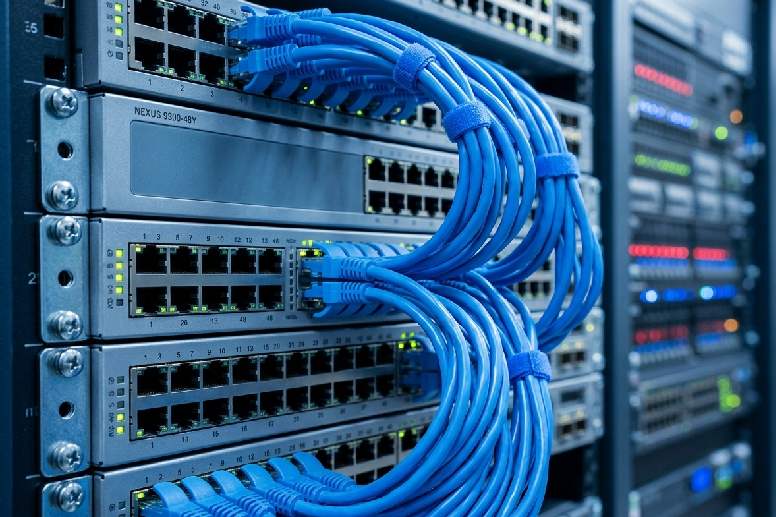
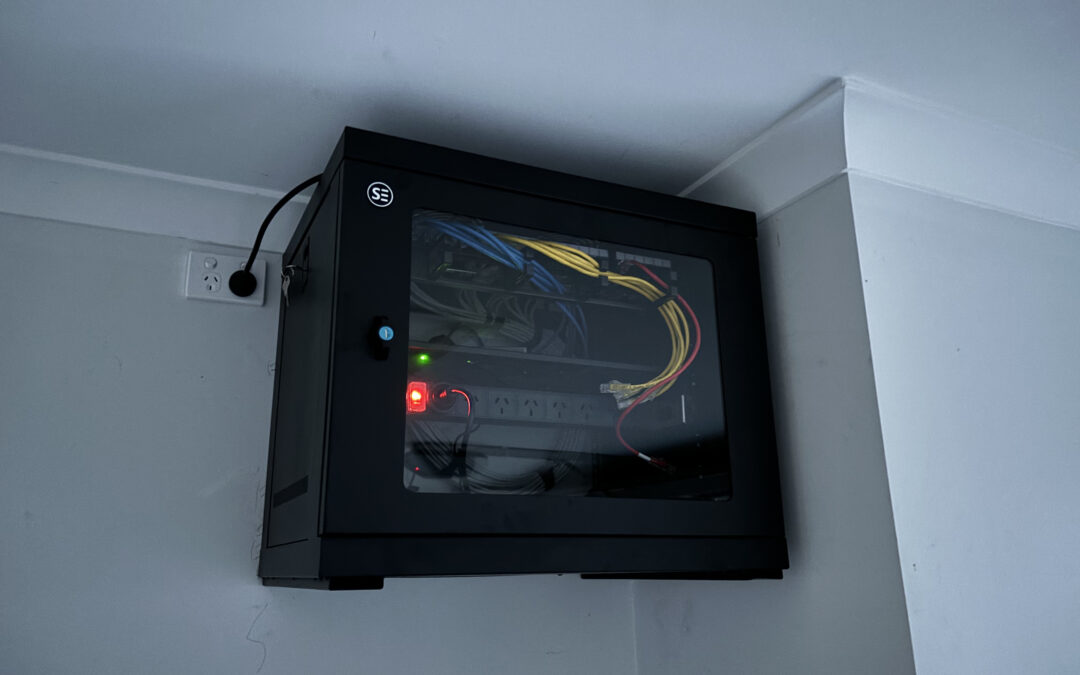
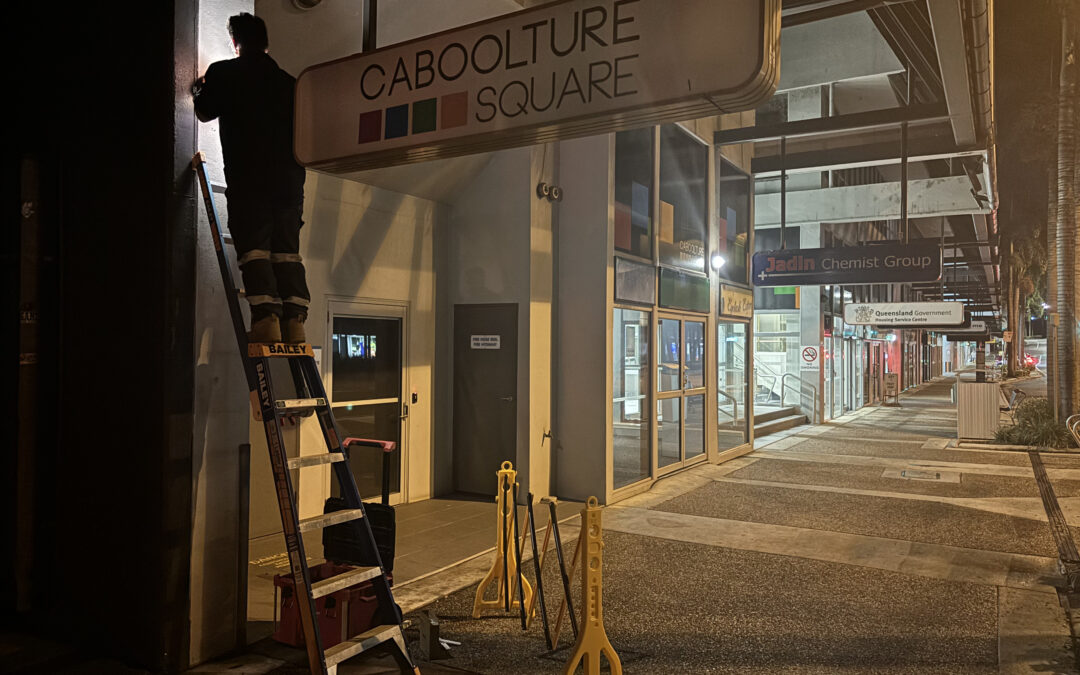
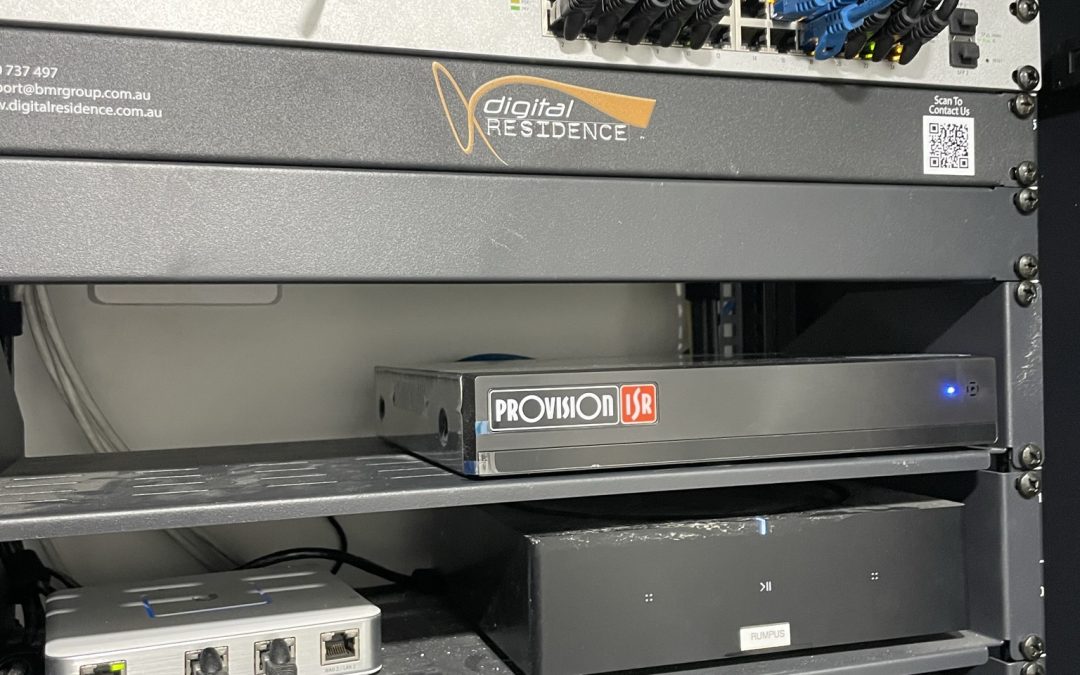

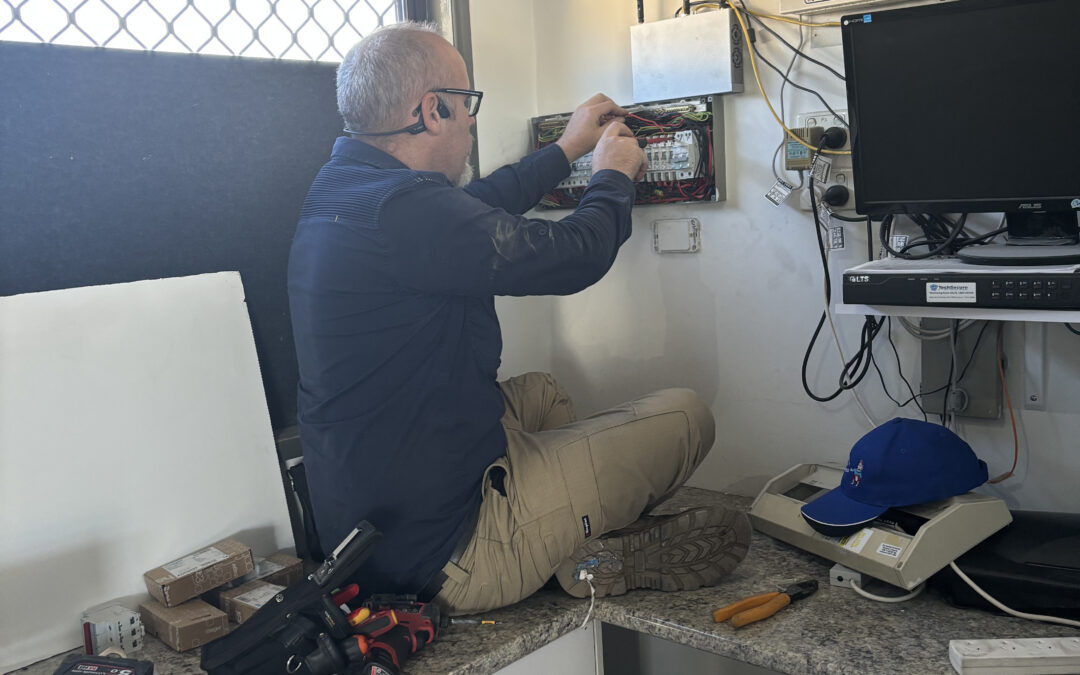

 A long cable through a wall cavity, a home made socket, or a “mate of a mate” cabling job can create faults that are hard to see. It can also create compliance and safety problems. Unlicensed work could void your insurance, here’s the fix: use people who are licensed for the work they are doing.

 Moreton Bay homes are not all the same. A newer North Lakes home with a central communications cupboard has different needs from an older Caboolture home, a Morayfield rental, a Burpengary renovation, or a Bribie Island holiday property.