
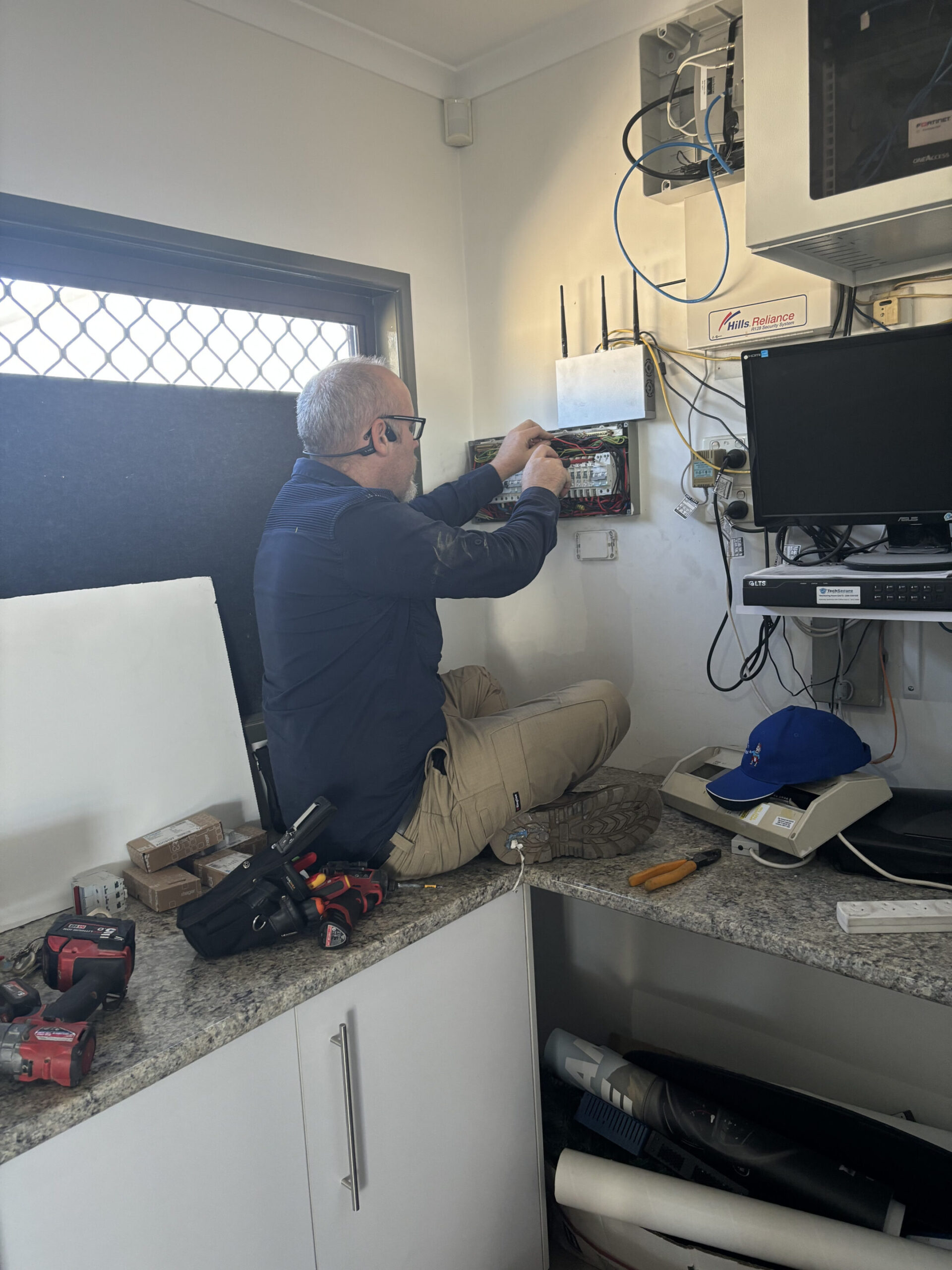
Why Router Placement Affects Speed, Stability, and Coverage
A router and modem move data using radio waves. Those waves weaken with distance and get absorbed by walls, floors, and clutter. When signal drops, your network system resends traffic, speed falls, and stability suffers. In a small business or office, that can disrupt calls, cloud work, and security systems like CCTV cameras, alarm panels, and intercom access.
The Best Central Location for Maximum WiFi Coverage
Central beats corner placement in most homes. If your NBN box is on an outer wall (common in Caboolture, Morayfield, Bellmere, Narangba, Deception Bay, and North Lakes), do not assume the router must stay there. A short ethernet cable run to a more central location often makes the wireless feel reliable for the whole family.
How Walls, Floors, and Appliances Block Wireless Signals
Brick, concrete, and tiled bathrooms are tough on wireless. Metal can block signals or reflect them so coverage becomes patchy. Big appliances, entertainment units packed with power supplies, and some LED lighting drivers can add interference. Ducted air parts, solar inverters, and an electrical panel on the same wall can also cause issues.
Router Height and Antenna Positioning Best Practice
Put the router at about chest height or higher, with space around it for air flow and radio spread. If your router has external antennas, start with one vertical and one angled, then test. If it has internal antennas, placement matters even more.
Router Placement Tips for Double Storey and Larger Homes
In a double storey house, placing the router near a central stair void or hallway often improves upstairs and downstairs coverage at once. In larger homes, WiFi can hit limits quickly.
That is when a wired access point, connected by ethernet, becomes the practical upgrade.
Common Router Placement Mistakes to Avoid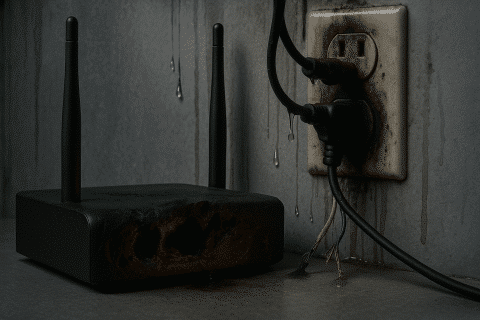
- Hiding the router in a cupboard with the modem, UPS, switches, and other networking gear
- Parking it behind the TV or inside a cabinet to keep it out of sight
- Putting it in the garage beside metal tools, roller doors, and power equipment
- Leaving it near a microwave, cordless phone, or old landline base station
- Mounting it beside a camera recorder, alarm hub, or other security hardware
Nothing is guaranteed through walls, but avoiding these mistakes gives you the best chance of a strong signal.
When Moving Your Router Will Not Solve Dead Zones
If you move the router and the dead zone barely changes, structure is usually the problem. Multiple brick walls, concrete between floors, and long corridors can all cause this. If speed is great beside the router but collapses in the same far rooms every time, you likely need a wired solution.
Why WiFi Extenders and Mesh Systems Have Performance Limits
Extenders repeat a signal, which can reduce usable throughput and add delay. Mesh systems can be great solutions, but they still rely on a backhaul link between nodes. If that backhaul is wireless and has to fight through multiple walls, performance can drop. The best improvement for mesh is wired backhaul, where nodes are connected by ethernet cable.
Installing Wired Access Points for True Whole Home Coverage
Wired access points are the gold standard for whole home and commercial coverage because each access point has its own strong connection back to the router. That makes roaming smoother and keeps speed more consistent.
How Data Cabling Delivers Faster and More Stable Internet

Connected Electricians And Cablers
Data cabling turns WiFi from a gamble into a planned system. It lets you place the router where it performs best, then feed key rooms with ethernet so wireless is mainly for phones and tablets. It supports fibre and high-speed NBN plans, and improves reliability for smart wiring.
Connected Electricians and Cablers is a family owned team. Connected provides data cabling services and electrical work across the Moreton Bay area and north Brisbane northside locations. Josh leads the team and our service offers clear communication and solutions tailored to homeowners and small businesses. If you are in Brisbane or down toward the Gold Coast, the same principles still apply, even if the service area differs.
Need help? Call our phone number 07 5422 4918 for a free quote offer. For emergency service after hours, please call 07 5422 4918.
Adding Ethernet Data Points for Key Devices and Access Points
Ethernet is still the most stable connection for a computer, office phone, and smart TV. It is also ideal for CCTV cameras, a network video recorder, and any alarm or alarms hub you want to stay online. If you rely on a telephone or landline line, cabling can support that too, and if you use free to air TV, we can discuss antenna and antennas placement alongside data points.
Typical Costs for Data Cabling in Moreton Bay
Costs depend on distance, access, wall type, and how much patching is required afterwards. Pricing also varies by hardware brands, the number of outlets, and whether you are adding a rack or panel.
| What affects the number | Typical impact |
| Single vs double storey | More time in double storey |
| Brick vs lightweight wall | More labour in masonry |
| One point vs multiple points | Packages can reduce average cost |
| Access to roof space | Easy access is cheaper |
As a guide only, many people see a per outlet price around $150 to $350+ for a standard run, then more for complex work. [find a source for this info] The most accurate approach is a site visit and a written quote.
How Long It Takes to Upgrade Your Home Network
One or two new points can often be completed in a few hours. Whole home upgrades or runs to sheds can take a full day or more, especially if wall repairs are needed. We also factor in test time, so you know the system works before we leave.
Future Proofing for Streaming, Remote Work, and Gaming
If your household is streaming, gaming, backing up to the cloud, and running smart lighting and cameras, a single router in the wrong spot will feel slow. Future proofing usually means wiring the home office and adding a central access point so you get great speed where you live and work.
Choosing the Right Data Cabling Provider in Moreton Bay
Choose a provider who is licensed, qualified, and willing to explain the work in plain English. Ask what testing is provided, how points are labelled, and what documentation you get at the end. Meet the people doing the work, learn what your home requires, and make sure they will ensure the job is safe and clean.
A Bellmere client we will call the Atkinson family had a router stuck on an outer wall. We moved the router feed to a central location, added an office outlet, and installed a wired access point upstairs. The result was a much more reliable connection across the house, without chasing new routers.
Frequently Asked Questions About Router Placement and Network Upgrades
- Where should I put my router in a small house? Central, open, and elevated.
- Should the router be next to the modem? Only if the modem location is central. If it is not, a data cable run can relocate the router.
- Are extenders worth it? Sometimes, but they have limits and can reduce speed.
- Is mesh always better? It can be, especially with wired backhaul.
- Do you handle commercial work? Yes. We support commercial offices and businesses with installations, maintenance, repair, upgrades, and reliable network points.
- What is the best next step? Contact us, describe the problem rooms, and we will say what the likely cause is and what solutions are provided.
Start with router placement. If it is still not right, do not keep buying different routers and hoping for the perfect result. A planned wiring upgrade with the right number of ethernet points and access points is usually the fastest way to get stable speed across your home or office. If you found this page helpful, share it with someone nearby in Moreton Bay, or contact Connected Electricians and Cablers to book a visit.